> ## Documentation Index
> Fetch the complete documentation index at: https://www.integrate.io/docs/llms.txt
> Use this file to discover all available pages before exploring further.
# Drip source for ELT & CDC
> Configure Drip as a data source in Integrate.io ELT & CDC. Sync your email marketing automation and subscriber data to your data warehouse.
| | |
| :------------------------ | :------------------------------------------------------------------------------------------------------------------------------------------------------------ |
| **Description** | ***Drip*** is a marketing automation platform built for *Ecommerce* - utilizing email, SMS and tight 3rd-party integrations to help businesses drive revenue. |
| **Supported Replication** | Initial Sync, Continuous Sync |
| **Authentication Type** | OAuth |
## Collections
| **Collection Name** | **Full/** **Initial Sync** | **Incremental/** **Continuous Sync** | **Supports Update** | **Supports Delete** |
| :------------------ | :--------------------------- | :------------------------------------- | :------------------ | :------------------ |
| Accounts | ✔ | ✖ | | |
| Users | ✔ | ✖ | | |
### Setting up Drip for ELT & CDC
#### Overview
ELT & CDC uses the API provided by Drip to sync the data. [Drip API Reference](https://developer.drip.com/)
#### Requirements
* You need to authenticate via OAuth2.
#### Set Access Token
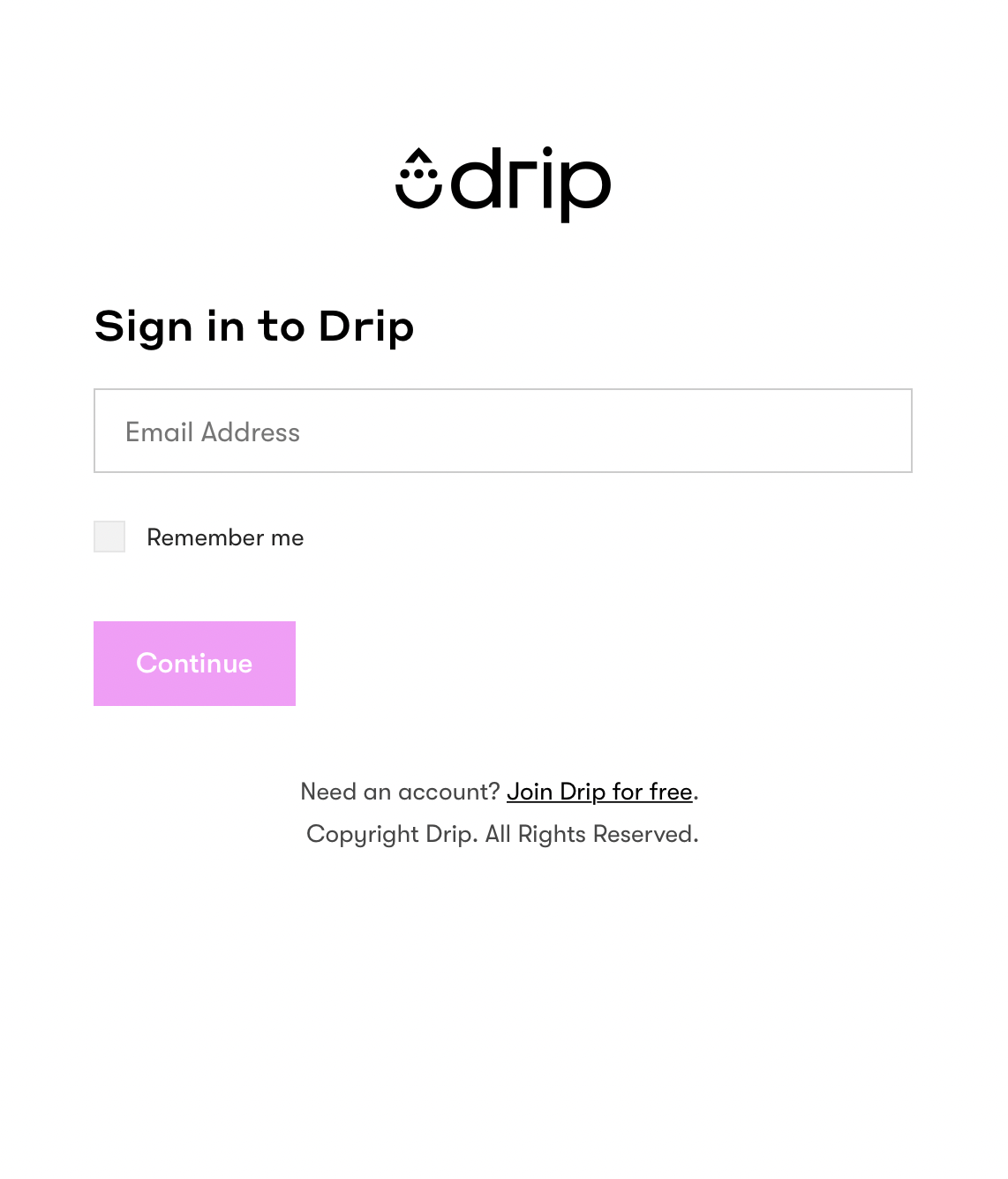
* Click Authenticate button on dashboard to generate the access token. Sign In
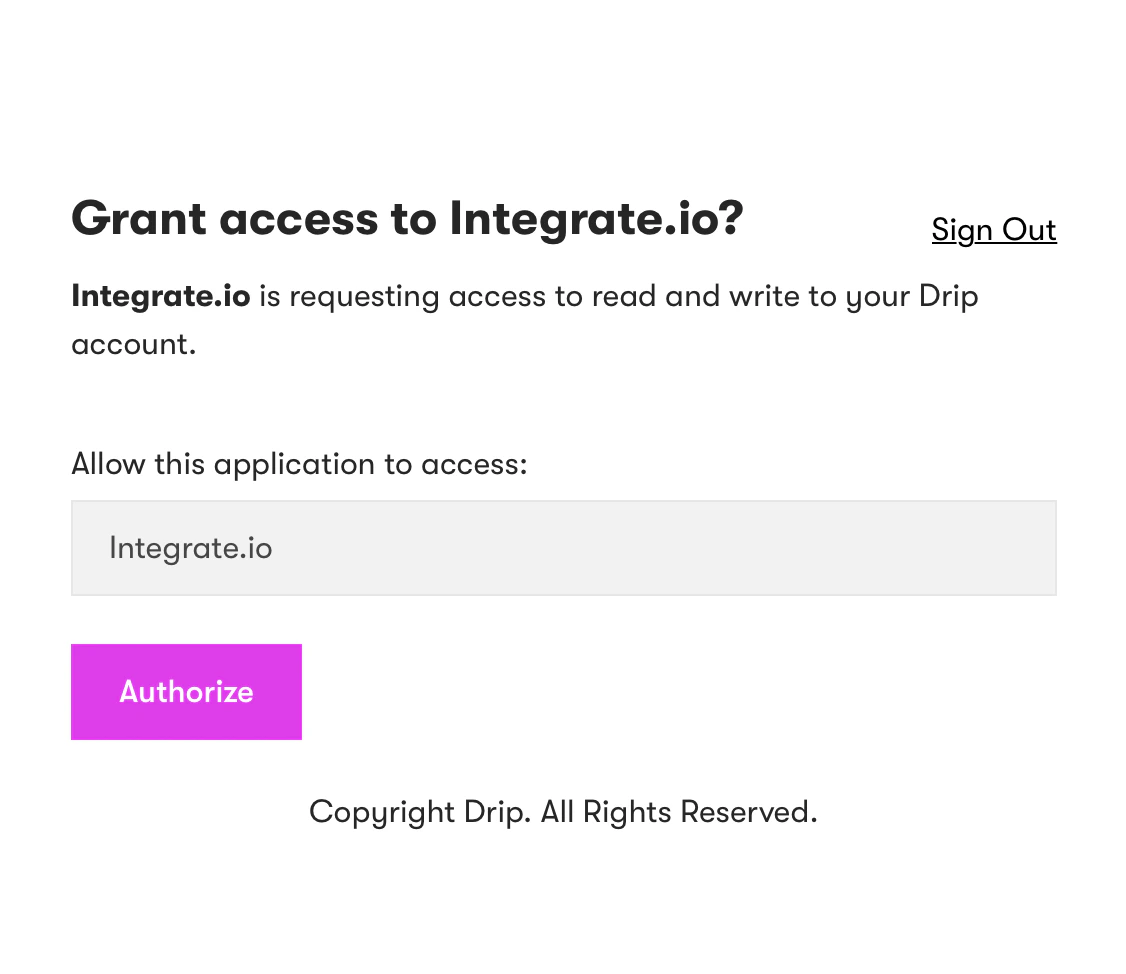
 * Grant Access to Integrate.io
 Free 7-day trial. Easy setup. Cancel any time