> ## Documentation Index
> Fetch the complete documentation index at: https://www.integrate.io/docs/llms.txt
> Use this file to discover all available pages before exploring further.

# Yotpo source for ELT & CDC

> Configure Yotpo as a data source in Integrate.io ELT & CDC. Replicate product reviews, ratings, and user-generated content to your warehouse.

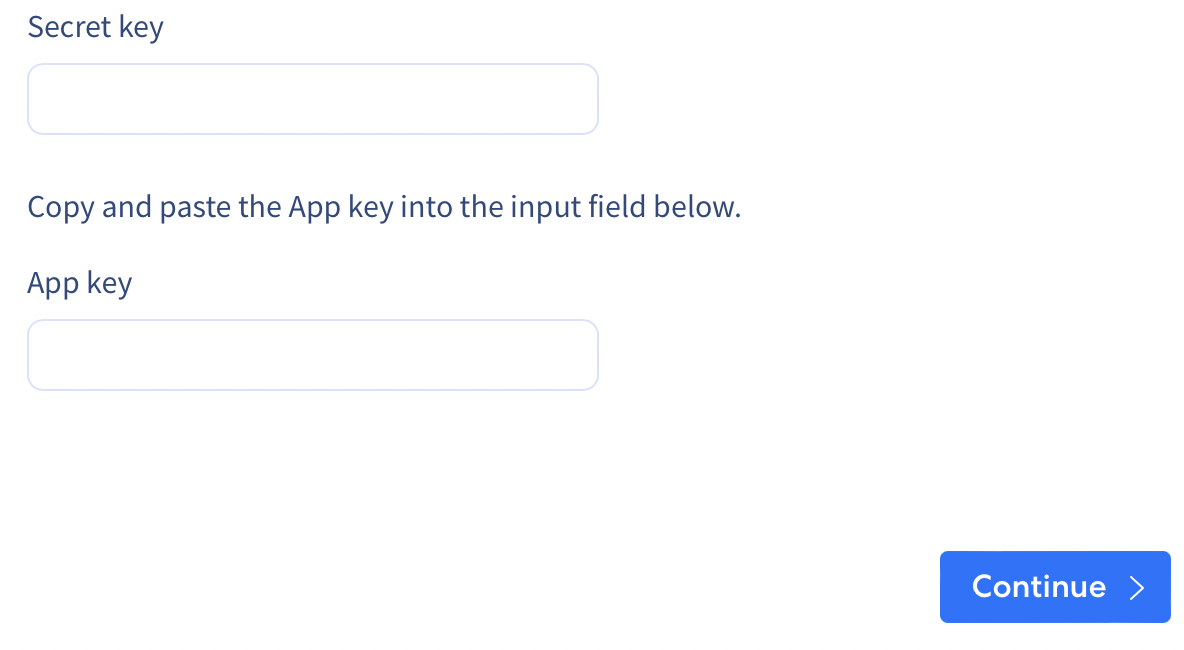
## Yotpo Source Create Form

Follow these steps to obtain the API key and secret.

* Go to [Yotpo settings page](https://settings.yotpo.com/#/general_settings)
* Click the `Get secret key` button and check your email.

<Frame>
  <img src="https://mintcdn.com/integrateio/MGWLTifrhXADDsEf/images/cdc/sources/image-107.png?fit=max&auto=format&n=MGWLTifrhXADDsEf&q=85&s=d4335a6c7a7dede163b4101bd5ba3f24" alt="Yotpo settings page with Get secret key button" width="854" height="92" data-path="images/cdc/sources/image-107.png" />
</Frame>

* Refresh the page and paste the code from the email into the `Enter the code` text field, then click on `Submit`.

<Frame>
  <img src="https://mintcdn.com/integrateio/MGWLTifrhXADDsEf/images/cdc/sources/image-108.png?fit=max&auto=format&n=MGWLTifrhXADDsEf&q=85&s=002e92ed5b6a4d0cf1ae830a539a0d13" alt="Yotpo verification code entry field after email confirmation" width="1288" height="242" data-path="images/cdc/sources/image-108.png" />
</Frame>

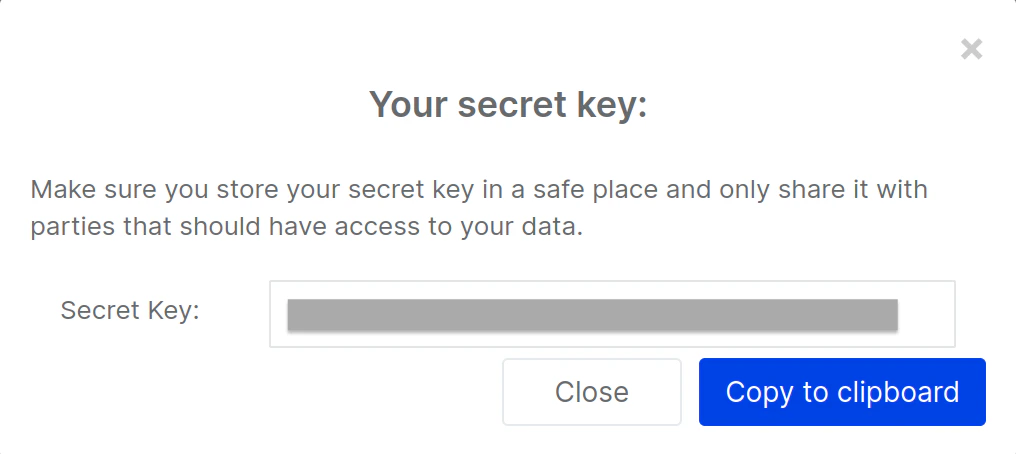
* Copy and paste the secret key into the input field below.
<Frame>
  <img src="https://mintcdn.com/integrateio/SIDFEDRgXpxG0yrn/images/cdc/sources/image-109.png?fit=max&auto=format&n=SIDFEDRgXpxG0yrn&q=85&s=cc5d5cae63c630444b7ed498f0b2cdb9" alt="Yotpo secret key revealed after verification" width="1016" height="454" data-path="images/cdc/sources/image-109.png" />
</Frame>

<br />

<Frame>
  <img src="https://mintcdn.com/integrateio/SIDFEDRgXpxG0yrn/images/cdc/sources/image-110.png?fit=max&auto=format&n=SIDFEDRgXpxG0yrn&q=85&s=5cd9d6c92b7d3c0644992e1214288be0" alt="Integrate.io dashboard field for pasting the Yotpo secret key" width="1184" height="650" data-path="images/cdc/sources/image-110.png" />
</Frame>