> ## Documentation Index
> Fetch the complete documentation index at: https://www.integrate.io/docs/llms.txt
> Use this file to discover all available pages before exploring further.
# ETL: Sample Transformation
> Use the Sample transformation to return a random percentage of input records for testing or data sampling in your Integrate.io ETL pipeline.
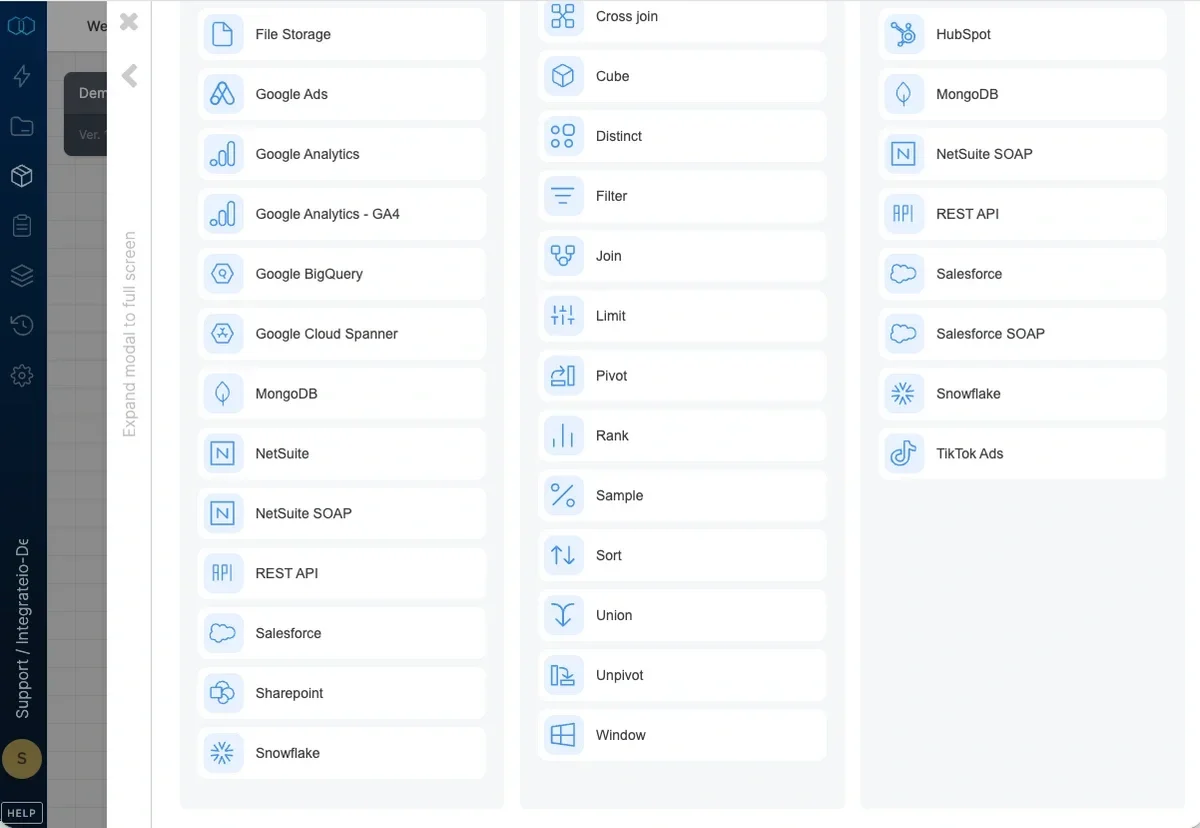
Use the **Sample** component to return a percentage of random records from the input.
 **Note:**
In contrast to the Limit component (which selects the first N records that you specify), the Sample component selects a "spread" (beginning, middle, end) of random records from the input.
### To sample the number of records:
**Note:**
In contrast to the Limit component (which selects the first N records that you specify), the Sample component selects a "spread" (beginning, middle, end) of random records from the input.
### To sample the number of records:
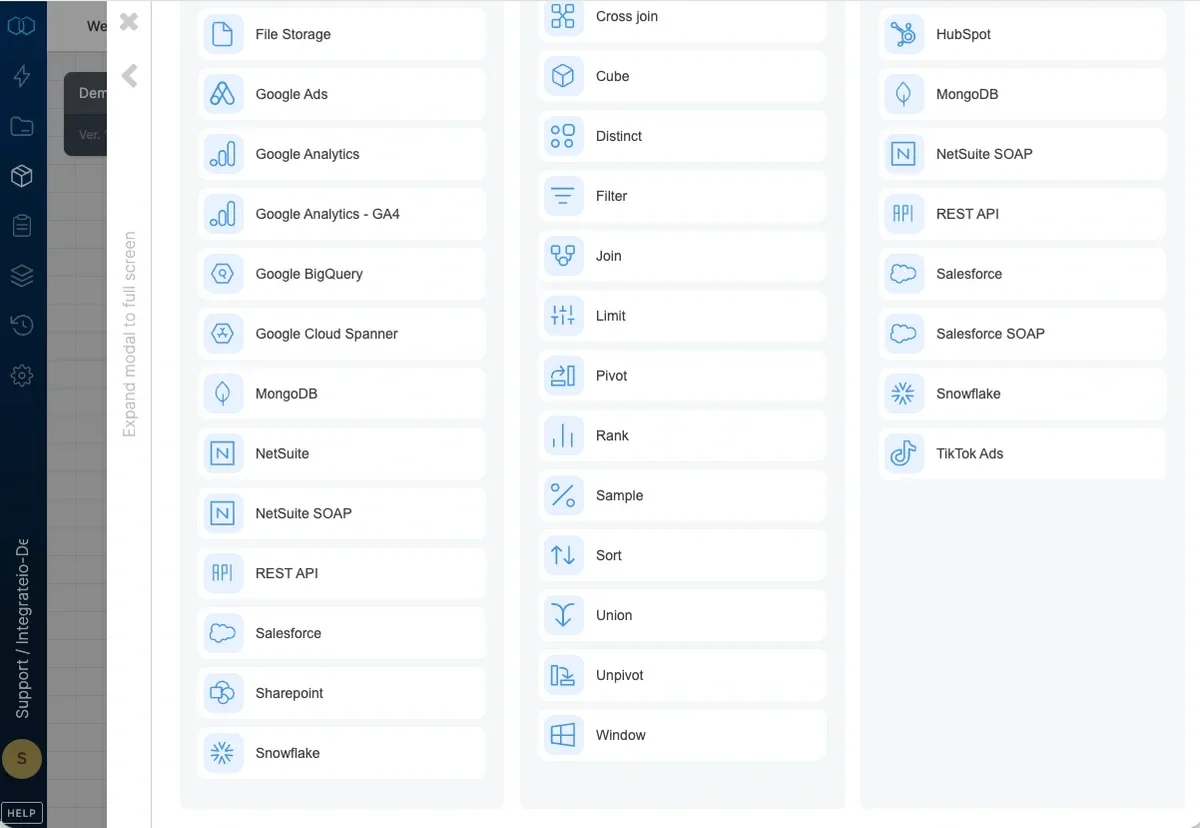 Add a Sample component where required in your package.
Open the component and name it.
In **Output a random sample of data**, type the percentage of records you want to be selected. You can use non-integer numbers as a percentage.
Add a Sample component where required in your package.
Open the component and name it.
In **Output a random sample of data**, type the percentage of records you want to be selected. You can use non-integer numbers as a percentage.