> ## Documentation Index
> Fetch the complete documentation index at: https://www.integrate.io/docs/llms.txt
> Use this file to discover all available pages before exploring further.
# ETL: Validating a Package
> Validate your Integrate.io ETL package before running it. Check for configuration errors, missing connections, and component issues automatically.
* Dataflow doesn't end with a destination component
* Not all components are connected
* Incorrect syntax of all component fields, including expressions
* Variables used in fields are not defined
**Note:**
The bucket and path connections in Source and Destination components are not validated. Validation takes around a minute, depending on the complexity of the package.
## To validate a package:
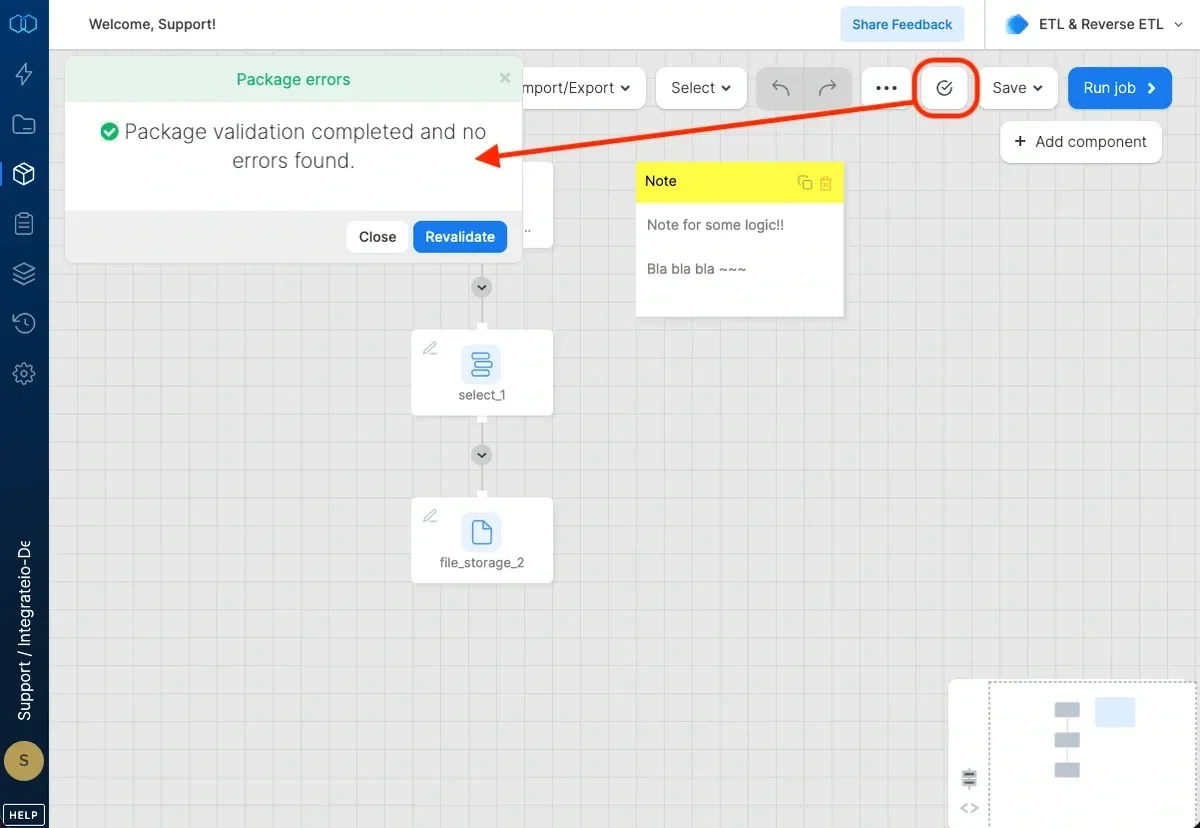
In the package designer, click the tick (**save and validate package**) icon.
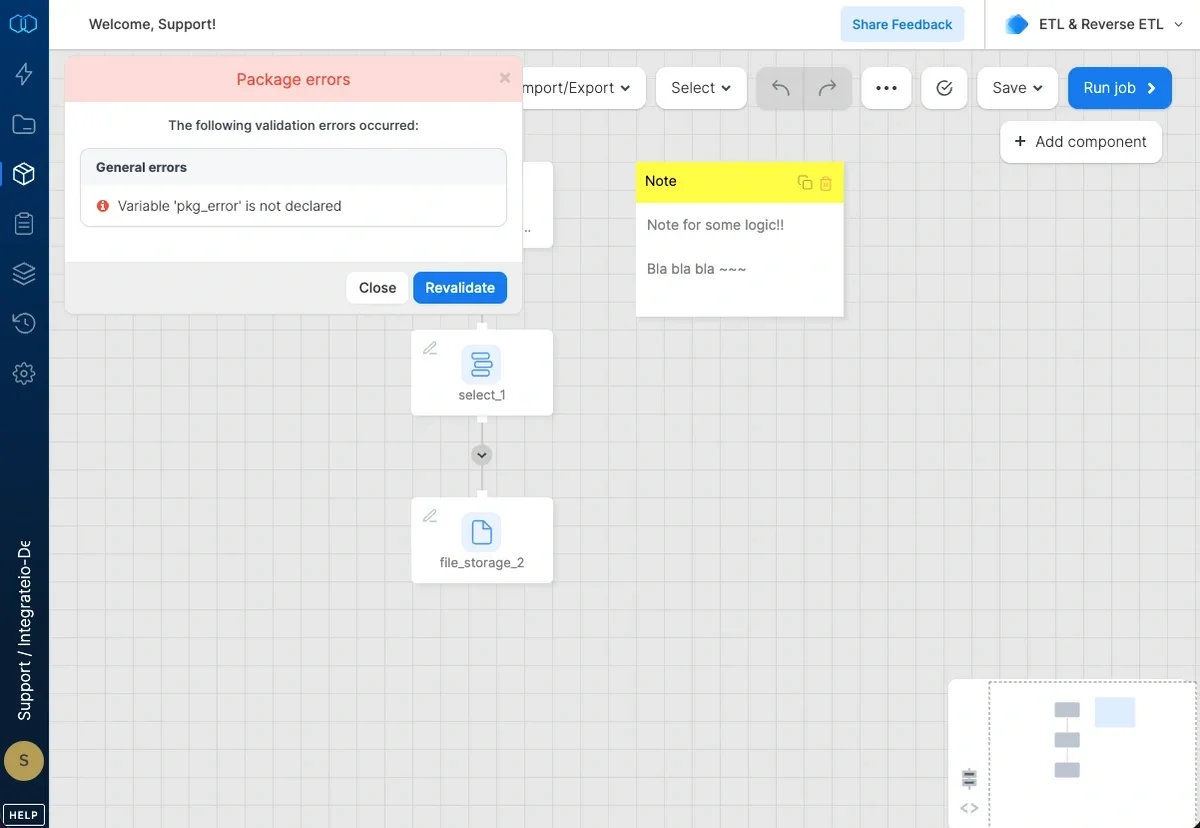
The package is saved then the validating window appears.
If validation succeeded, a message is displayed that no errors were found.
 If validation failed, the errors list appears with details on about the errors that were found. You can click each validation error to open the component and fix it.