Ship pipelines faster with Helm
Prompt-to-pipeline, schedule runs, debug issues, and ask questions about your data. Review and approve every step before it runs.
전문가와 상담하기Integrate.io로 수백만 건의 IT 티켓을 절감하는 1,100개 이상의 데이터 및 운영 팀이 신뢰합니다

May, 2023

July, 2018

August, 2019

August, 2017

August, 2021

August, 2025

August, 2017

August, 2022
From prompt to approved pipeline
Helm helps you create pipelines, schedule runs, troubleshoot issues, and ask questions about your data, with editable, version-controlled changes your team can review before anything runs.
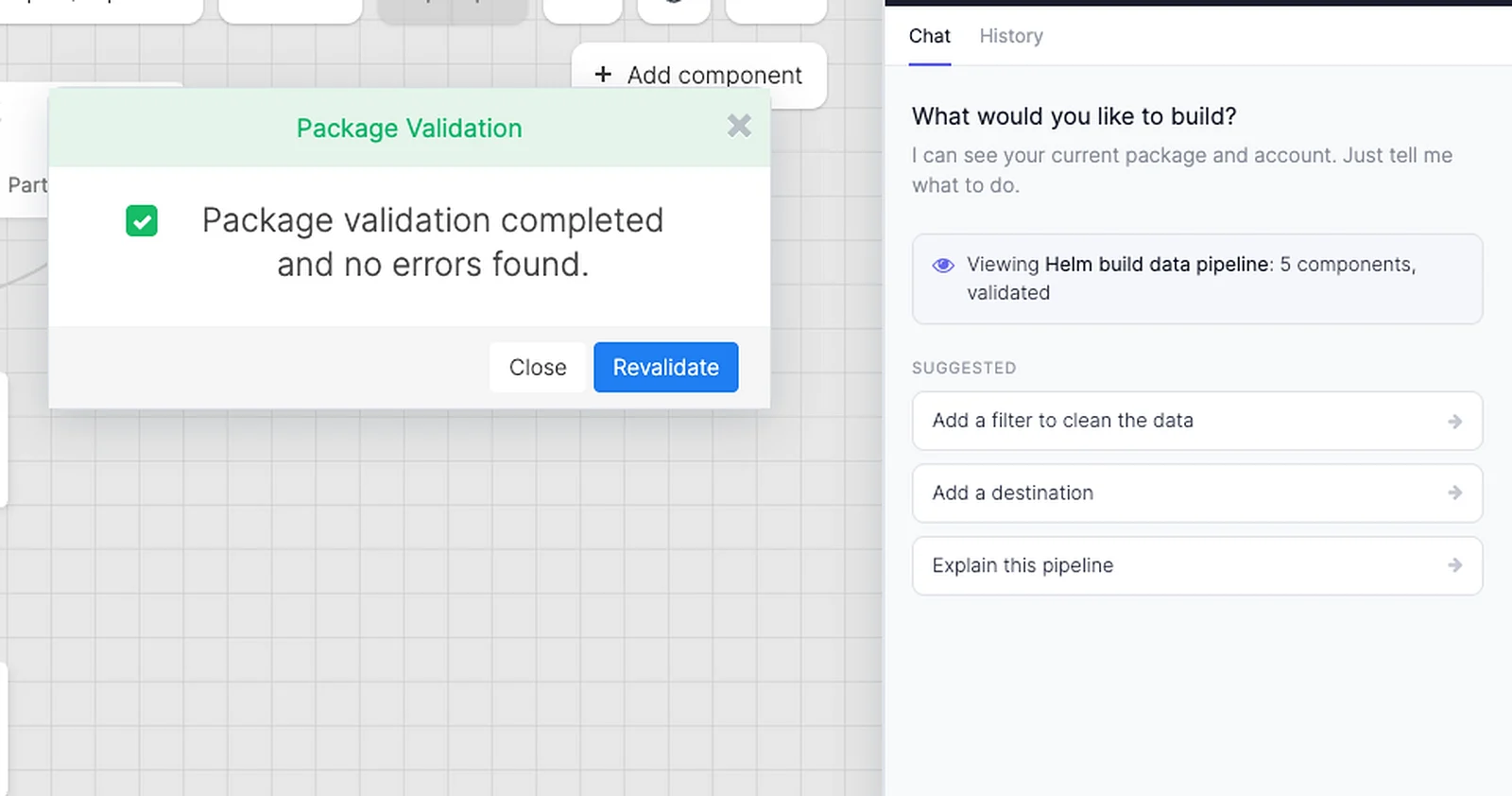

Create pipelines from a prompt
Describe the data movement you need. Helm helps turn it into an editable pipeline on the canvas.

Schedule and update runs
Use Helm to set schedules, adjust jobs, and manage pipeline changes without manual rewiring.

Troubleshoot issues
Ask Helm what failed, where to look, and what to try next when a pipeline needs attention.

Ask about your data
Get direct answers about pipelines, runs, fields, and data movement without digging through every screen.
Your team stays in control
AI assists. Integrate.io executes
Helm uses AI to draft, explain, and suggest pipeline changes. Approved pipelines run on Integrate.io as governed, repeatable workflows with permissions, logs, version history, and human review.
Governed AI
The Helm operating model

Helm builds & manages
Drafts pipelines, explains steps, and suggests changes from your request.
Your team approves
Review, edit, and version changes before they reach production.
Integrate.io executes
Runs approved pipelines as deterministic workflow logic.
Approved pipelines execute as deterministic platform workflow logic.
Helm helps prepare and explain the work. Integrate.io runs the approved pipeline with the same controls as the rest of your data workflows.
Human approval
People review AI-assisted changes before they run.

Version history
Keep a clear record of what changed and when.

Deterministic execution
Pipelines run as repeatable Integrate.io workflow logic.

Observable runs
Use logs and run history to understand what happened.
Use cases
Common Helm use cases
Use Helm for the pipeline work that usually slows teams down, then review every change before it runs.
Build a pipeline
Draft a new workflow from a plain-English request.
Update a schedule
Adjust run timing and prepare the change for review.
Debug a failed run
Ask what happened and where to look next.
Expand a pipeline
Add steps, mappings, or destinations to an existing workflow.
Understand a pipeline
Get a recap of a workflow when you are new to it or need a refresher.
See Helm streamline your data management
Bring us a pipeline workflow and we will show where Helm can help.
FAQ
Common Helm questions
Clear answers on what Helm can do today, how approval works, and where your team stays in control.
Does Helm replace a data engineer?
Helm helps teams move faster on pipeline work while people stay in control. It can draft pipelines, help with schedules, explain issues, and answer questions, then your team reviews and approves changes before anything runs.
Can Helm make production changes on its own?
Helm proposes changes inside Integrate.io. Your team can review, edit, and approve each step before a change runs in production.
Why run pipelines on Integrate.io if Helm uses AI?
AI output can vary, so execution stays on Integrate.io. Helm helps with the draft and context; Integrate.io runs the approved pipeline as deterministic workflow logic with logs, permissions, and version history.
Is Helm safe to use with production data?
Helm sits inside Integrate.io's governed platform. Your team reviews changes before they run, and production workflows keep the same permissions, logs, and version history as the rest of Integrate.io.
Are Helm changes version-controlled?
Yes. Pipeline changes are tracked so teams can review what changed, compare versions, and roll back when needed.
What can I ask Helm to do?
You can ask Helm to draft a pipeline, update a schedule, explain a failure, inspect pipeline details, or answer questions about fields and data movement.
Does Helm monitor jobs automatically?
Helm helps investigate issues when you ask it. Automated failure monitoring and alerting live in Integrate.io's monitoring capabilities, and Helm can help your team understand what happened.
Explore the platform Helm works with
Helm supports the same Integrate.io pipeline platform your team uses for ingestion, transformation, loading, orchestration, monitoring, APIs, and agent workflows.

