Requirement
- Aurora cluster connecting to WRITER endpoint
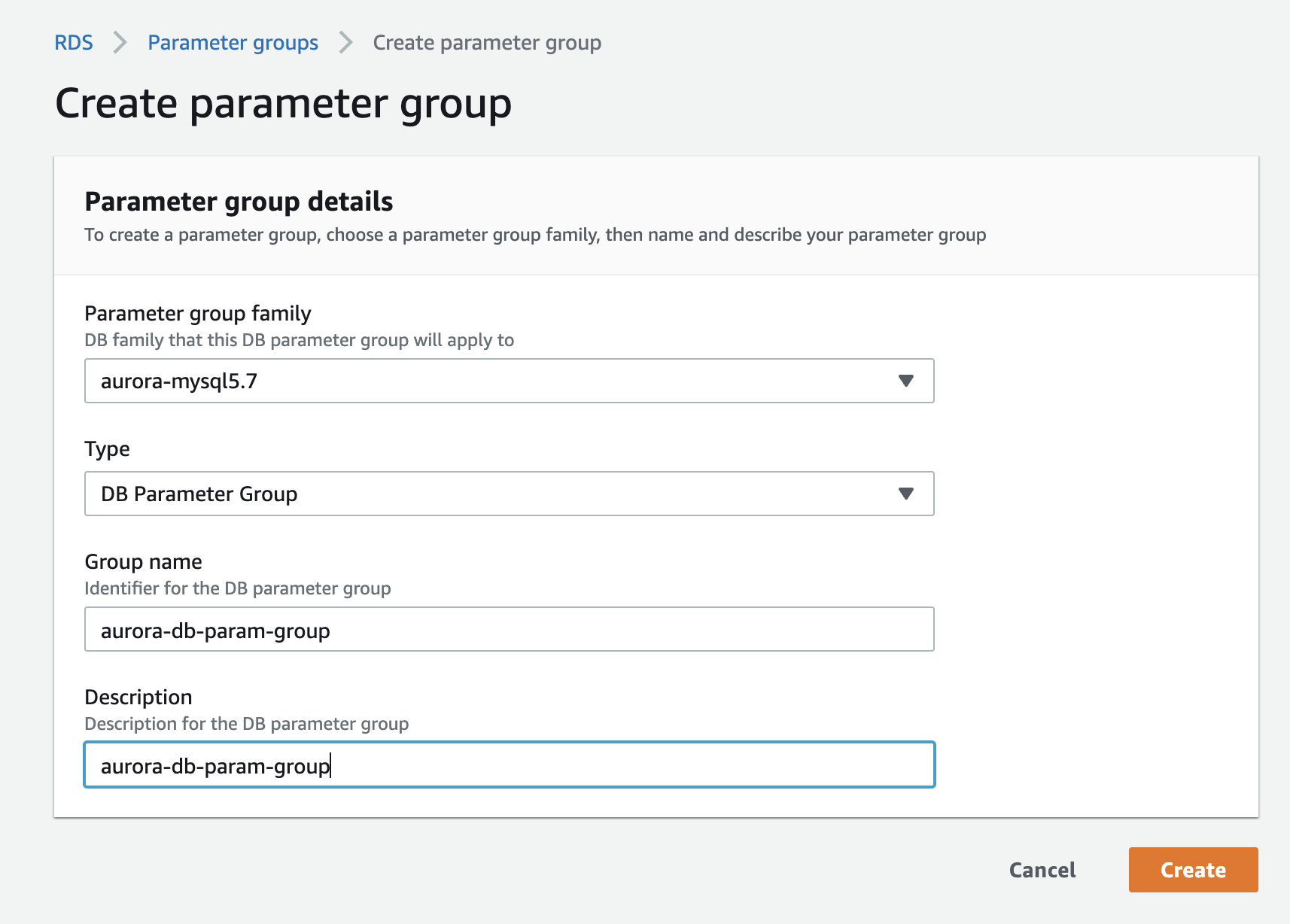
Create DB Parameter Group
On AWS console, create a DB Parameter Group for your Aurora cluster. This allows you to create a collection of parameters you can later attach to your cluster. Click Create Parameter Groups, name its group name and description as you like, and click Save.
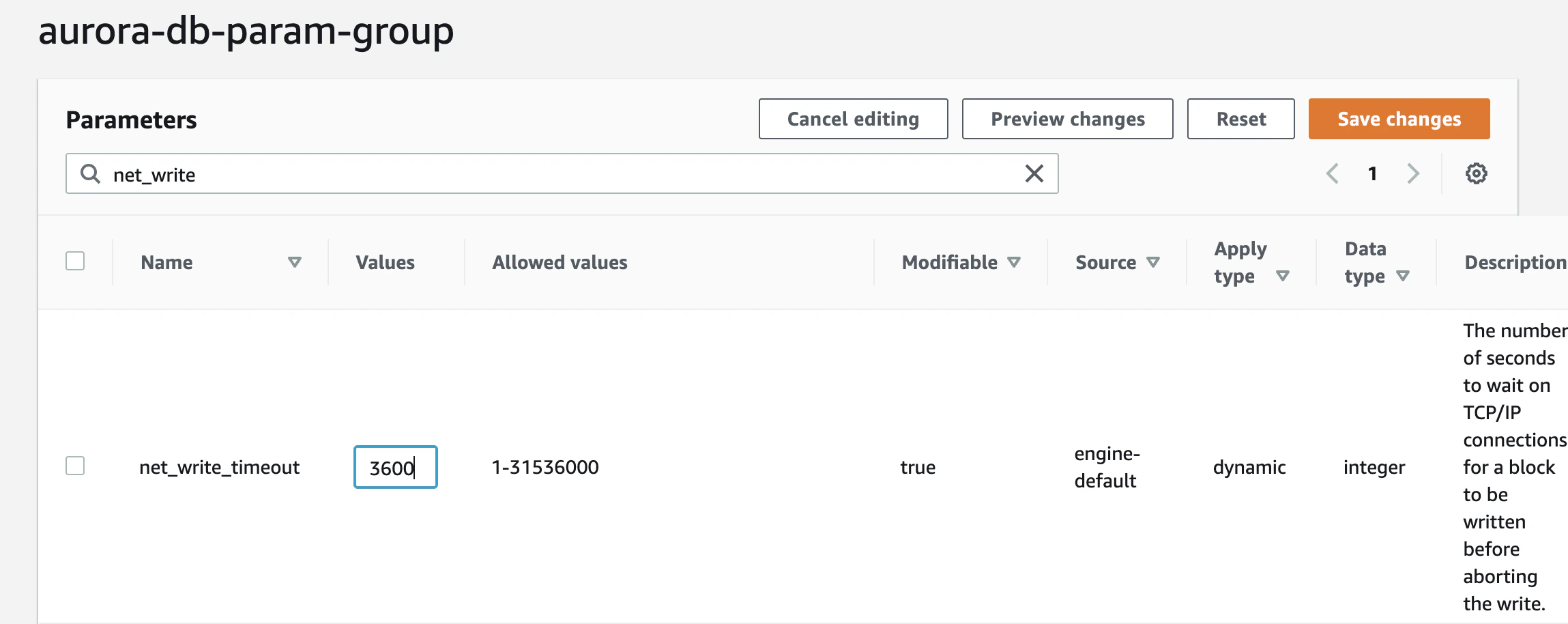
Edit DB Parameter Group
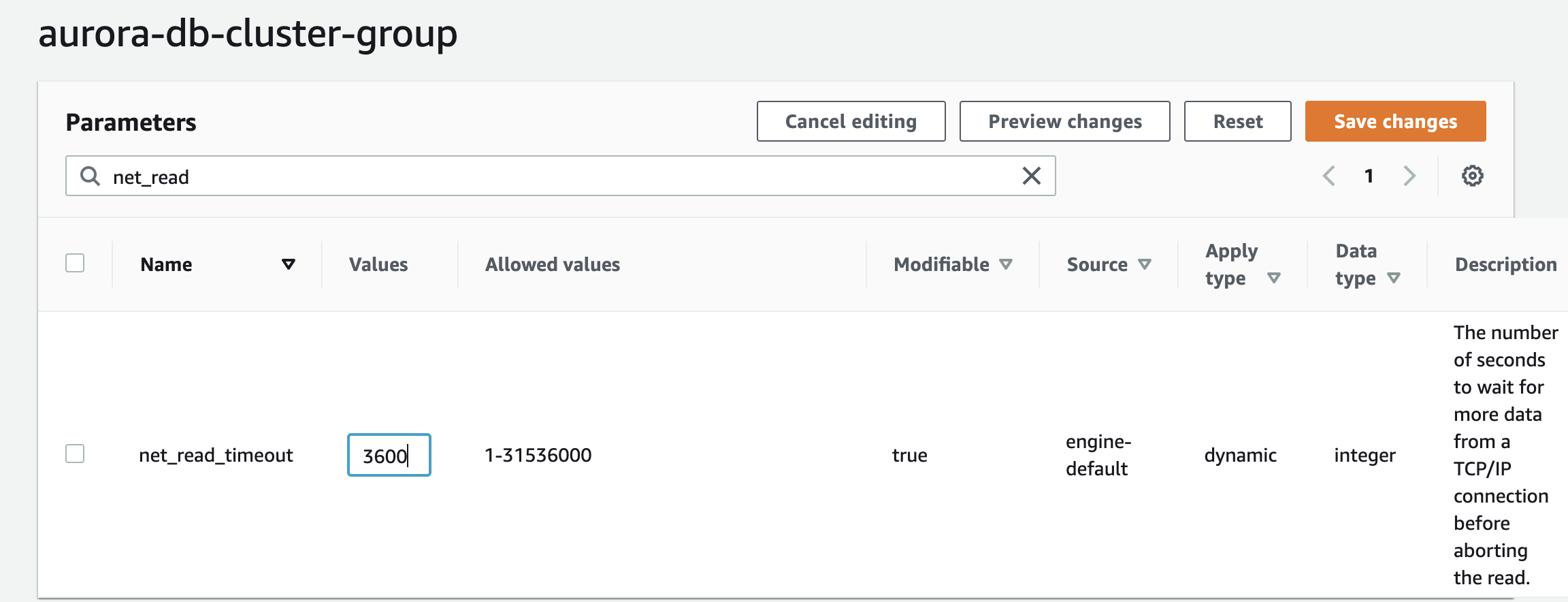
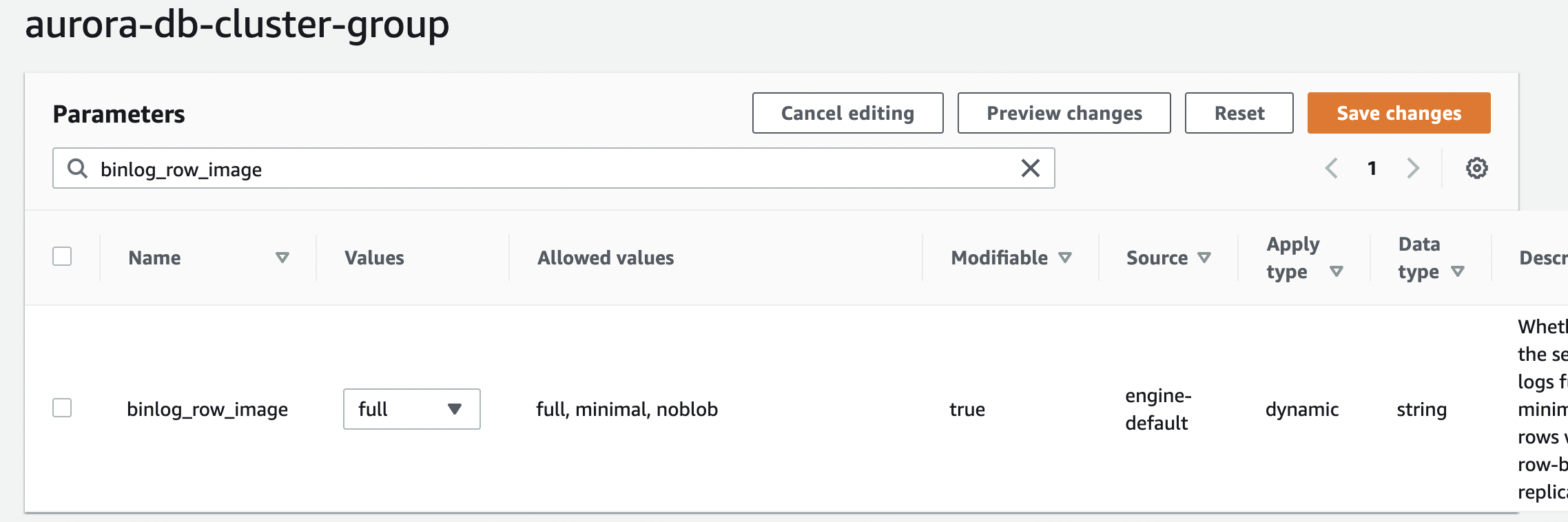
Select that DB Parameter group you made and edit the following parameters:
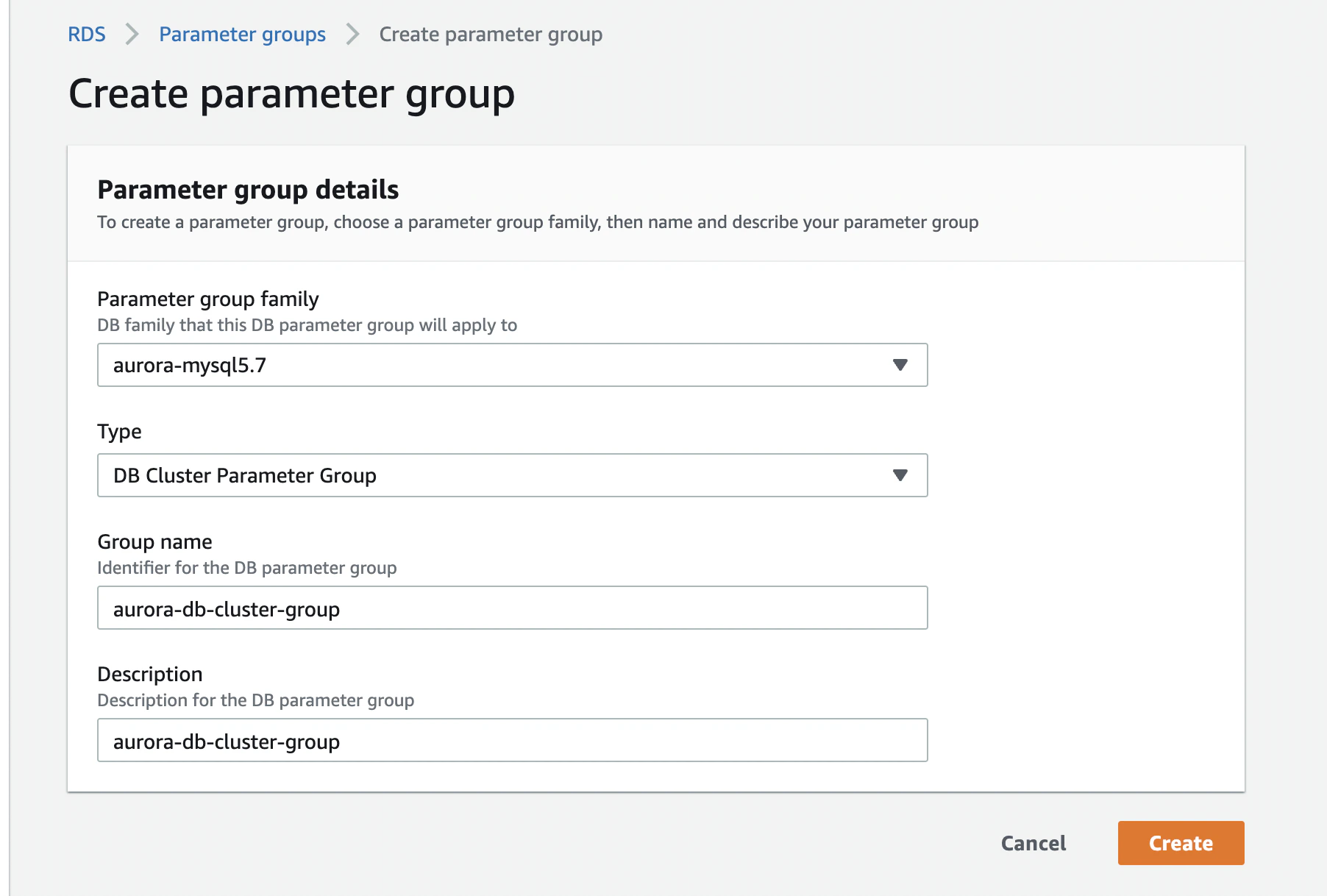
Create DB Cluster Parameter Group
Next step is to create a DB Cluster Parameter Group for your Aurora cluster. This allows you to create a collection of parameters you can later attach to your cluster. First click Parameter Groups from the left pane, name its group name and description as you like, and hit Save.
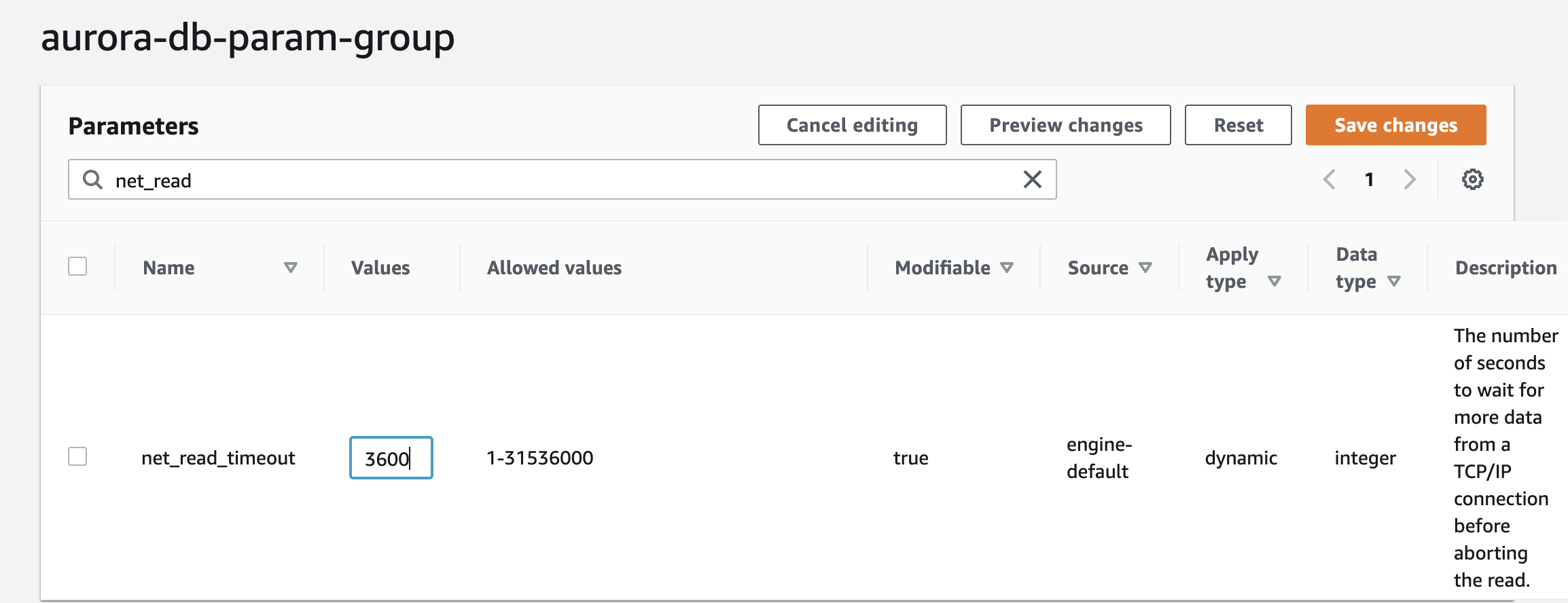
Edit DB Cluster Parameter Group
Select that DB Cluster Parameter Group you made and edit the following parameters:
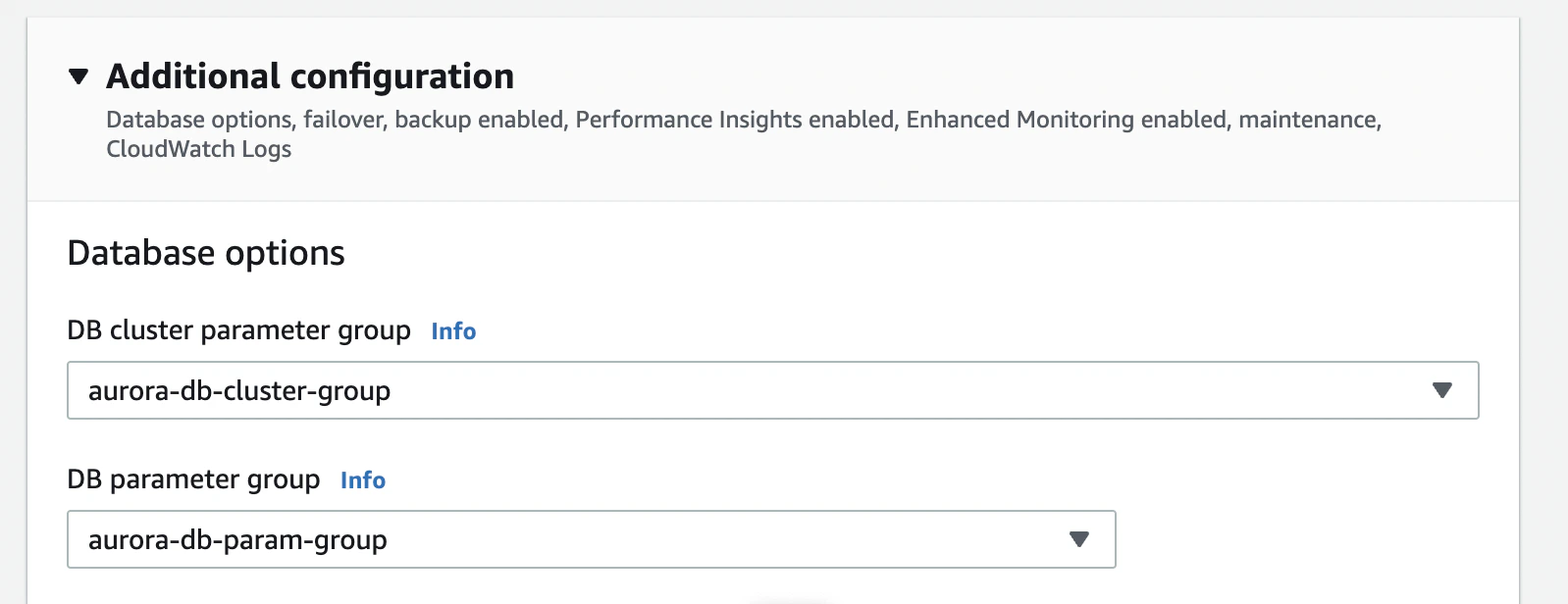
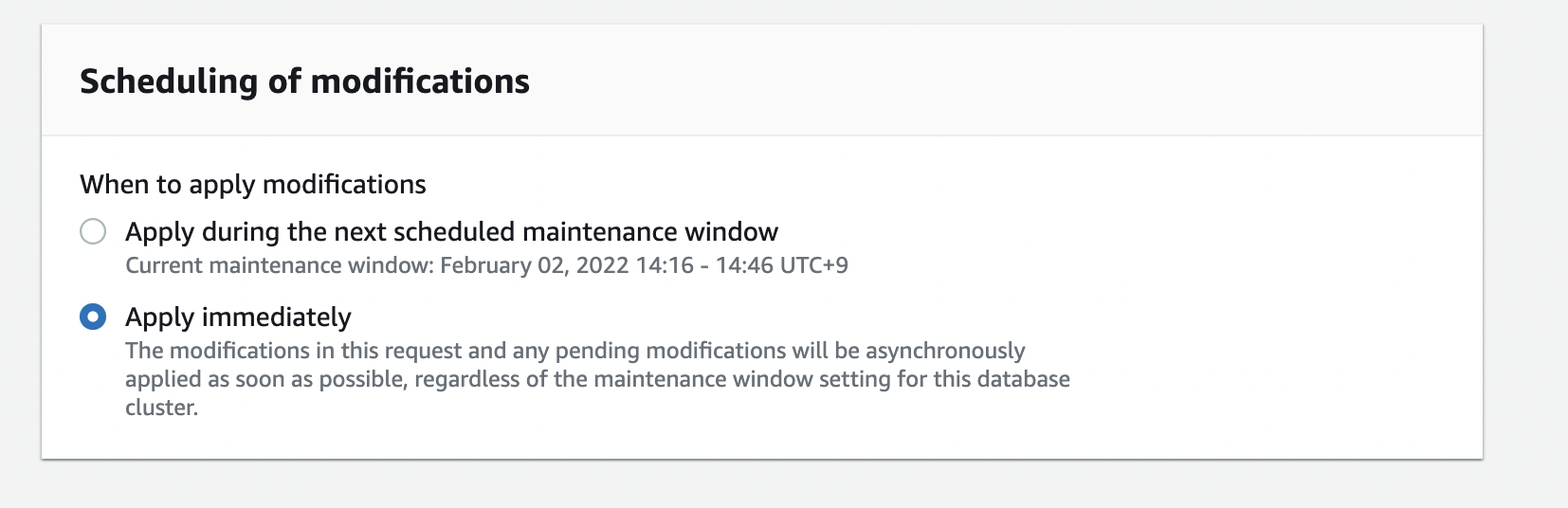
Attach the DB Parameter Group to your Aurora cluster. From the list of Aurora clusters, select the Aurora cluster you want to modify. Then click Modify. You will need to change the DB Parameter Group and the DB Cluster Parameter Group to the one you just created. Finally, click the check box for Apply Immediately, confirm the changes, and Modify.
Create user for Sync
On your sourceDB, create a sync user for Integrate.io by executing,
Grant necessary privileges,
Increase binlog retention
To increase the binlog retention of the DB cluster, use the mysql_rds_set_configuration procedure. You can run the following command and sample parameters on the writer instance to retain the binlog files for 7 days:
Last modified on October 5, 2026