Overview
If you want to store your logs in your own S3 bucket when syncing from your source to redshift, you should inform Integrate.io ELT & CDC Support Team and follow the steps below to allow Integrate.io ELT & CDC to access your bucket.
- Go to S3 on AWS console
- Go to the bucket that you want to sync data to
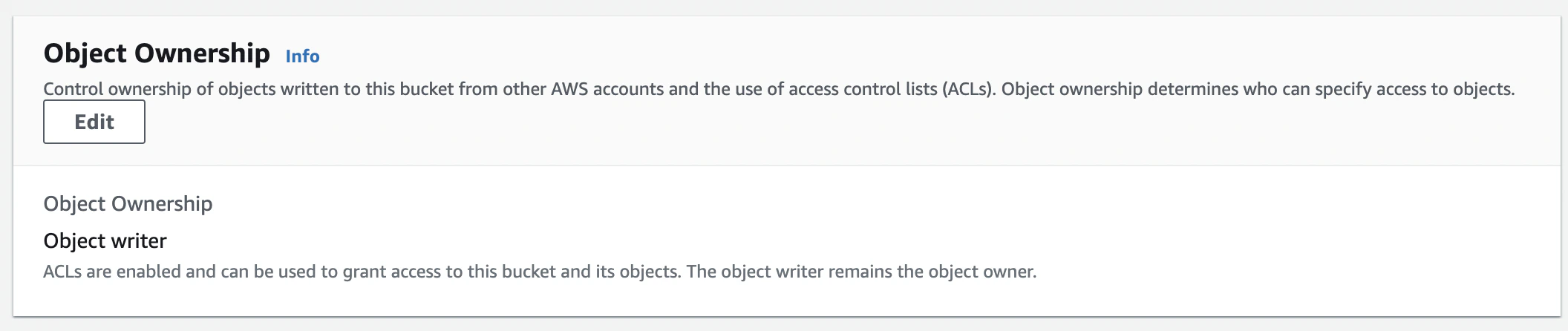
- Go to Permissions tab
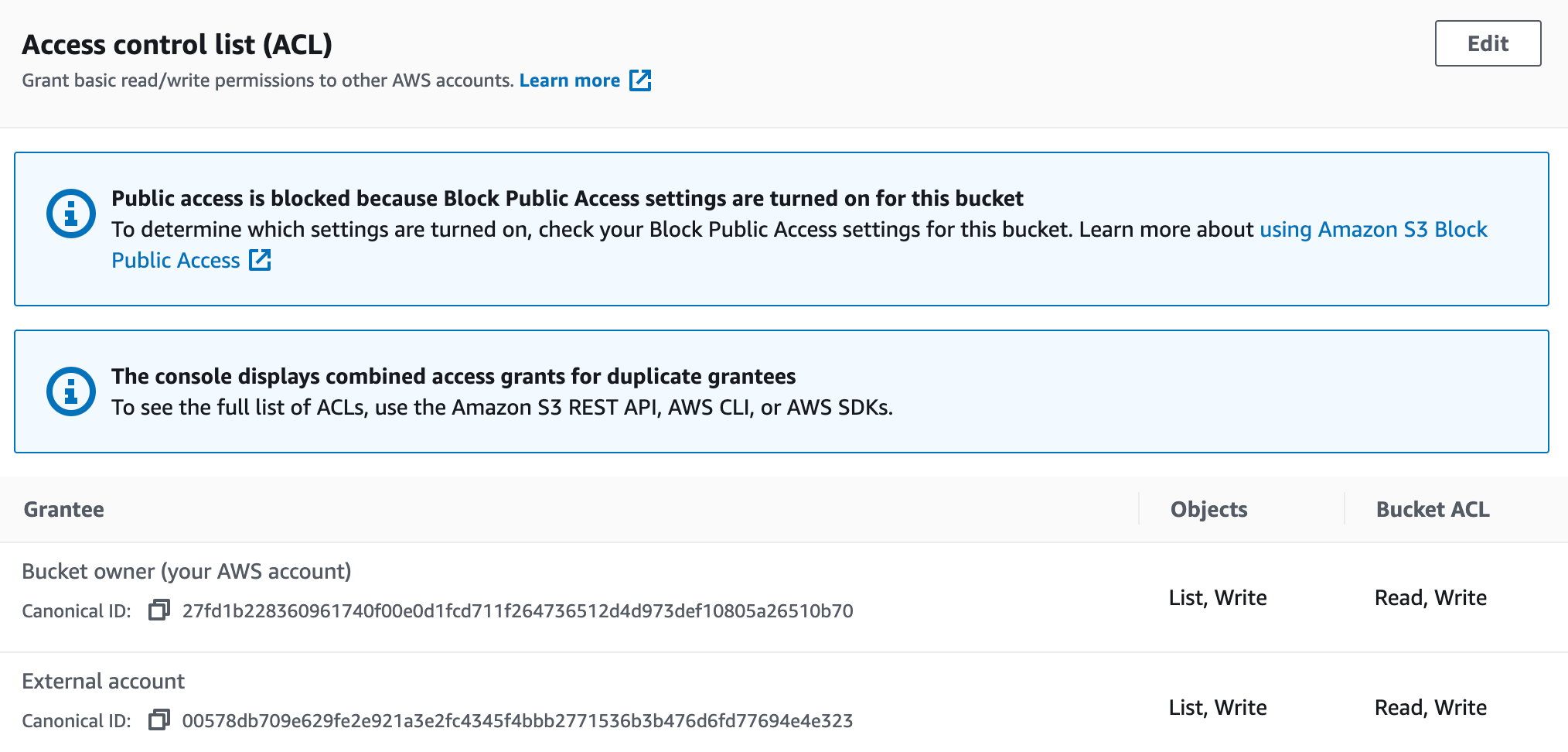
- Edit ACL and add
sysadmin+next@flydata.com as a grantee with List,Write permissions for Objects and Read , Write permissions on Bucket ACL
- Share your bucketname to Integrate.io Support Team.
- Once confirmation from Support Team is received, proceed with the pipeline creation process.
Last modified on June 1, 2026