

Overview
Integrate.io uses the API provided by Stripe to sync the data. Stripe API referenceRequirements
- You need permissions to view the API access token.
Collections
Notes on specific collections:
refunds: incremental oncreated. Updates apply throughrefund.*events.payment_methods: fetched per customer on initial sync. Updates apply throughpayment_method.*events.dispute_balance_transactions: join table withidanddispute_idcolumns, sourced from thebalance_transactionsarray on each dispute.payment_intents: exposeslatest_chargein place of the removedchargesfield.
Obtain access token
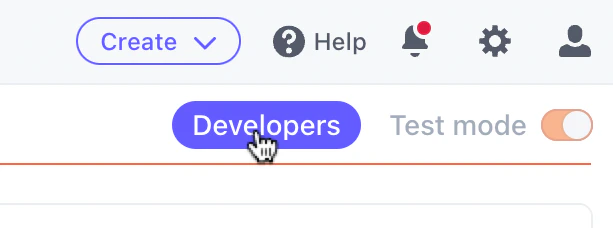
Follow these steps to create a private API key.- Go to the Stripe dashboard and navigate to the
Developerstab.
- Reveal the
Secret keyand copy and paste it into the input field below.

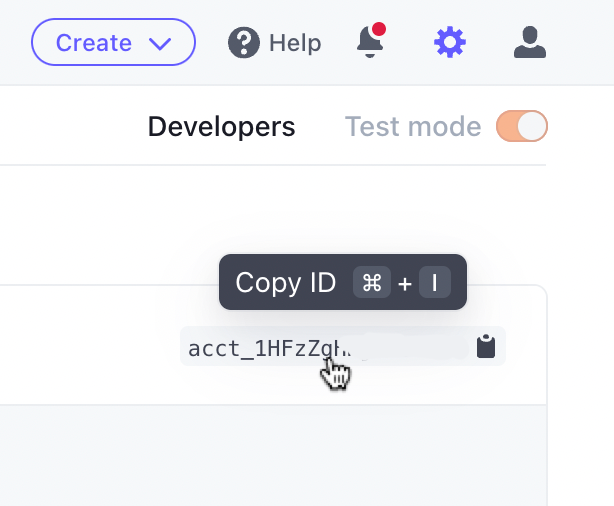
- Navigate to your Account page.
- Copy and paste your account ID into the input field below.
Restricted API keys
You can use a Stripe restricted key (a key that starts withrk_) instead of the full secret key. Restricted keys limit access to the Stripe resources you choose. Grant the key read permission for each resource you plan to sync.
If the key is missing a permission, the connection test fails with the error message from Stripe. The message names the account, the permission to enable, and a link to edit the key in the Stripe dashboard:
[...] in error messages.