Collections
Setting up Zenventory for ELT & CDC
Overview
ELT & CDC uses the API provided by Zenventory to sync the data.Zenventory API Reference
Requirements
- You need to enable the Zenventory Webservice and create an API key.
Create API Token
Follow these steps to enable the Zenventory Webservice and create an API key.1
Login to
app.zenventory.com2
Under 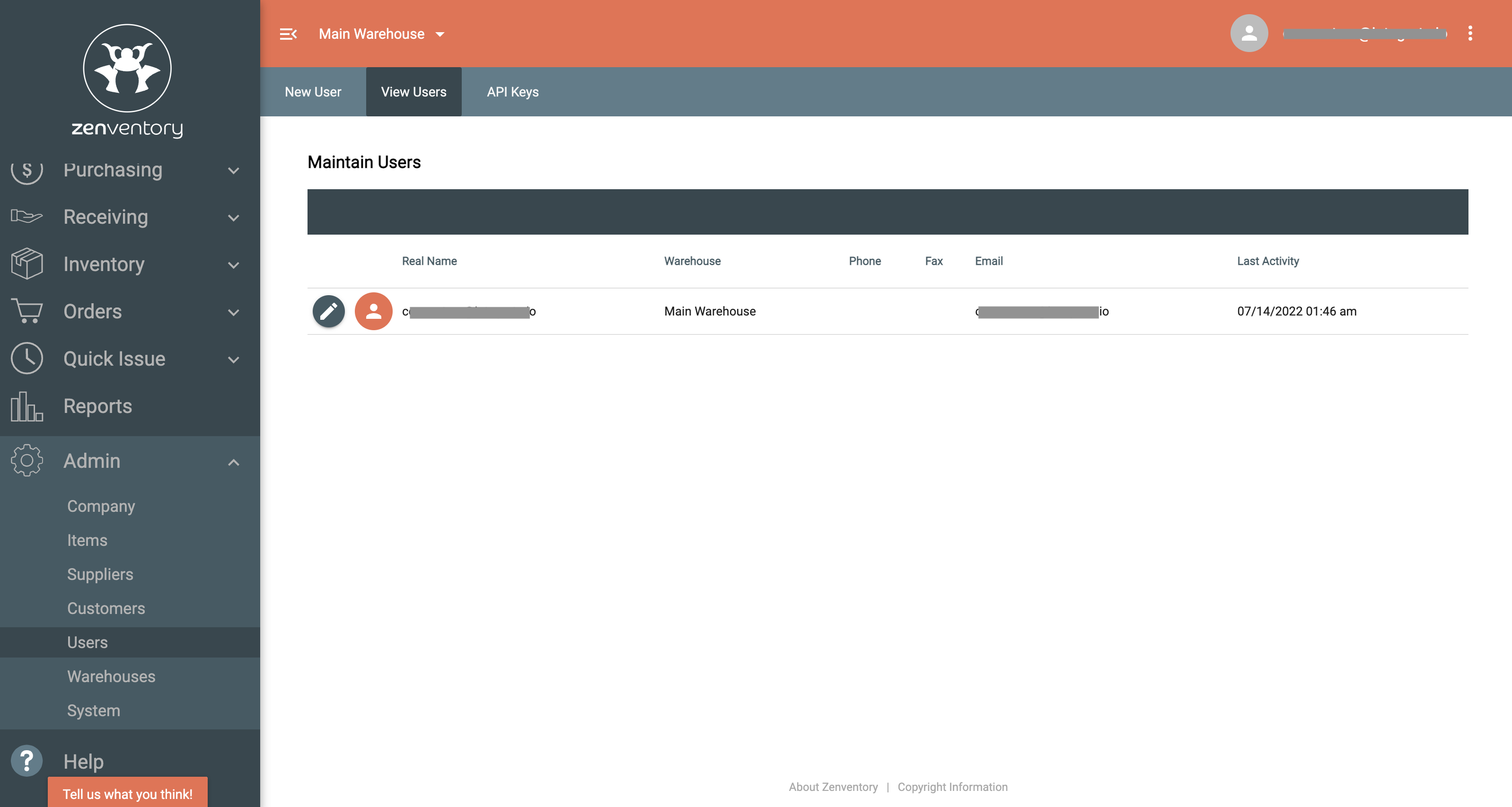
Admin, click Users, then click API Keys3
On 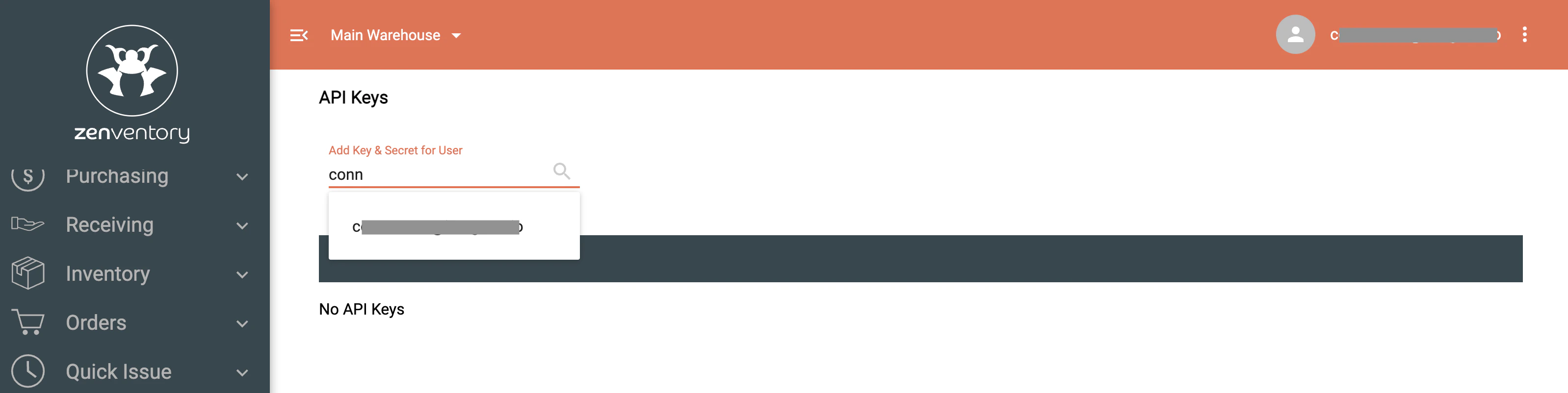
API Keys, search for the User and click it to generate key and secret4
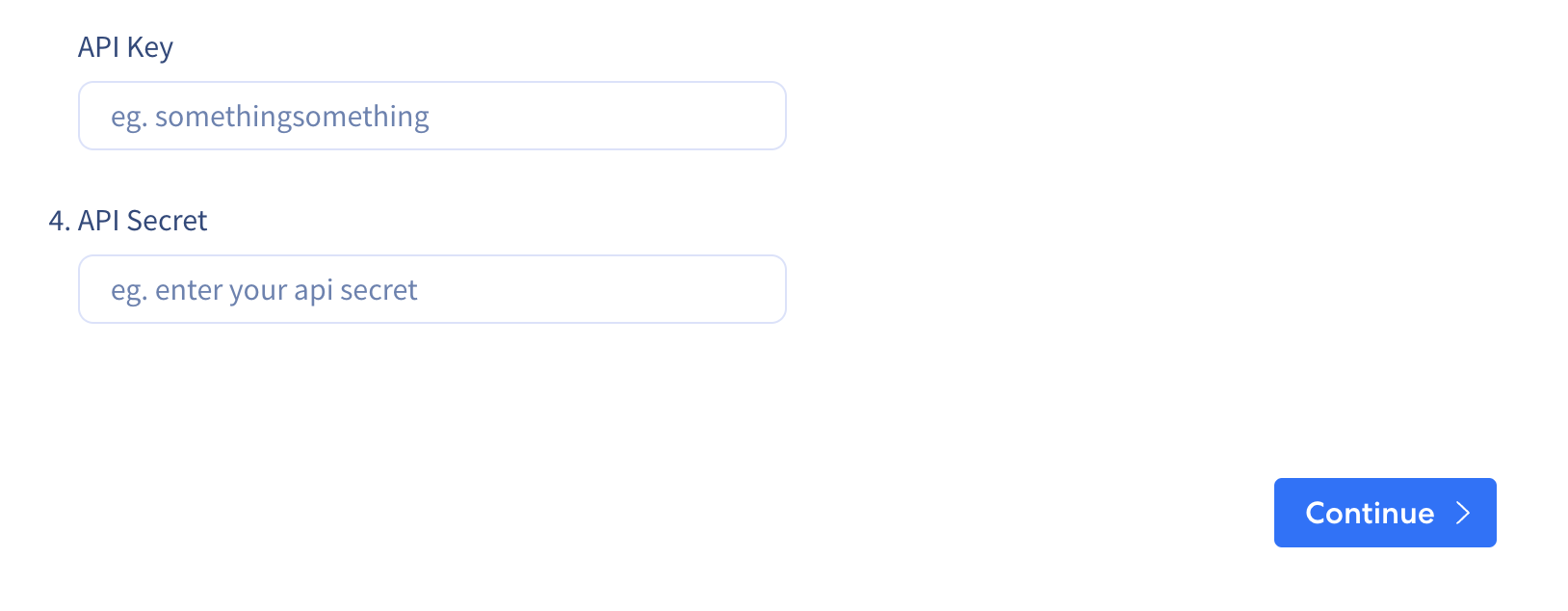
Copy and paste the API key into the input field