
Documentation Index

Fetch the complete documentation index at: https://www.integrate.io/docs/llms.txt

Use this file to discover all available pages before exploring further.

DescriptionMicrosoft Advertising is a pay-per-click (PPC) advertising platform used to display ads based on the keywords used in a user’s search query. For advertisers placing a large number of ads or developers building advertising tools, the Bing Ads API provides programmatic access to Microsoft Advertising. Using the Bing Ads API is the most efficient way to manage many large campaigns or to integrate your marketing with other in-house systems. Some organizations may choose a hybrid approach; using the web UI for most tasks but automating reporting or campaign optimization with the API.
Supported ReplicationContinuous Sync
Authentication TypeOAuth

Collections

Collection NameFull/ Initial SyncIncremental/ Continuous SyncSupports UpdateSupports Delete
accounts
campaigns
ad_groups
ads
ad_extension_detail_report
ad_group_performance_report
ad_performance_report
age_gender_audience_report
audience_performance_report
campaign_performance_report
geographic_performance_report
goals_and_funnels_report
keyword_performance_report
search_query_performance_report

Setting up Bing Ads for ELT & CDC

Overview

ELT & CDC uses the API provided by Bing Ads to sync the data. Bing Ads API Reference

Requirements

  • You need to authenticate via OAuth2.

Obtain developer token

Follow these steps to obtain your developer token, company ID and account ID.
  • Go to https://developers.ads.microsoft.com/Account and click on the Request Token button. If you cannot see the button, it means that the token was already generated and you can find it in that page.

    Microsoft Advertising developer account page with Request Token button
  • To get a user’s customer ID and account ID, you can sign in to the Microsoft Advertising web application and click on the Campaigns tab. The URL will contain a cid key/value pair in the query string that identifies your customer ID, and an aid key/value pair that identifies your account ID. For example, https://ui.ads.microsoft.com/campaign/Campaigns.m?cid=FindCustomerIdHere&aid=FindAccountIdHere#/customer/FindCustomerIdHere/account/FindAccountIdHere/campaign
  • Copy and paste the developer token into the input field below.
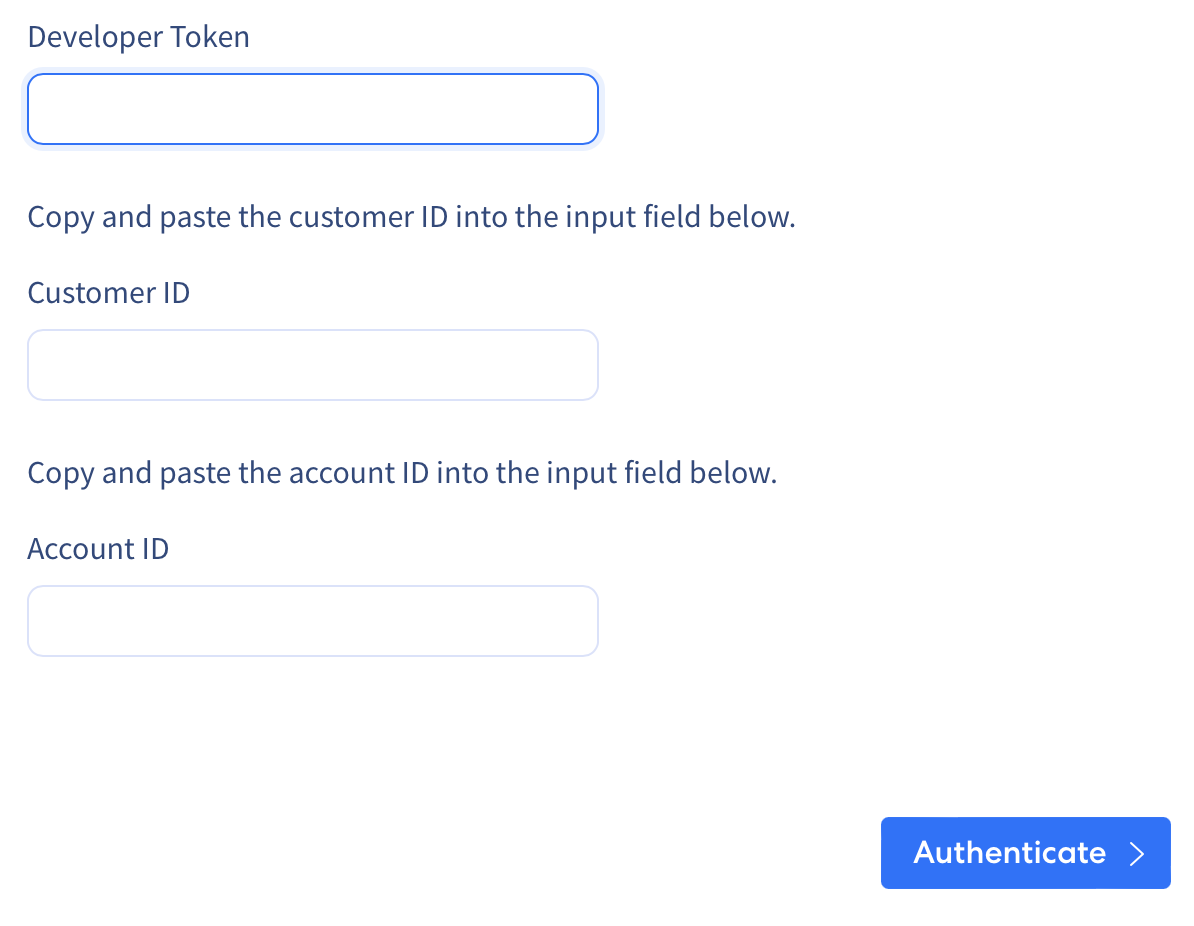
    Integrate.io Bing Ads source form with developer token input field
Last modified on May 12, 2026