Replication strategy
Integrate.io uses Google API to access and replicate Google Sheet data. The following scopes are necessary to perform the replicationPrerequisites
To ensure successful replication of Google Spreadsheets, the following conditions must be met for each sheet to be synced:1. Non-Empty Sheet: The sheet must contain data and not be empty.
2. Sheet Existence: If the sheet has already been selected in the pipeline, confirm that it still exists in the spreadsheet.
3. Header Row: The first row must contain headers, which will be used as column names in the destination. Ensure these headers comply with destination column naming rules.
4. Unique Headers: Each header must be unique. Duplicate values (e.g., having “name” in multiple columns) are not allowed.
5. Empty Headers: Columns with empty header cells will be skipped. If two consecutive columns have empty headers, the scan will stop, and only columns up to that point will be replicated.
6. Data Type Row: The second row is used to determine column data types. Ensure this row contains representative data for the entire column. If data is not provided, the cell format will be checked and the column will default to either STRING or NUMBER based on the format.
Collections
Source setup
1
On Sources or Pipeline creation form, select Google Sheets
2
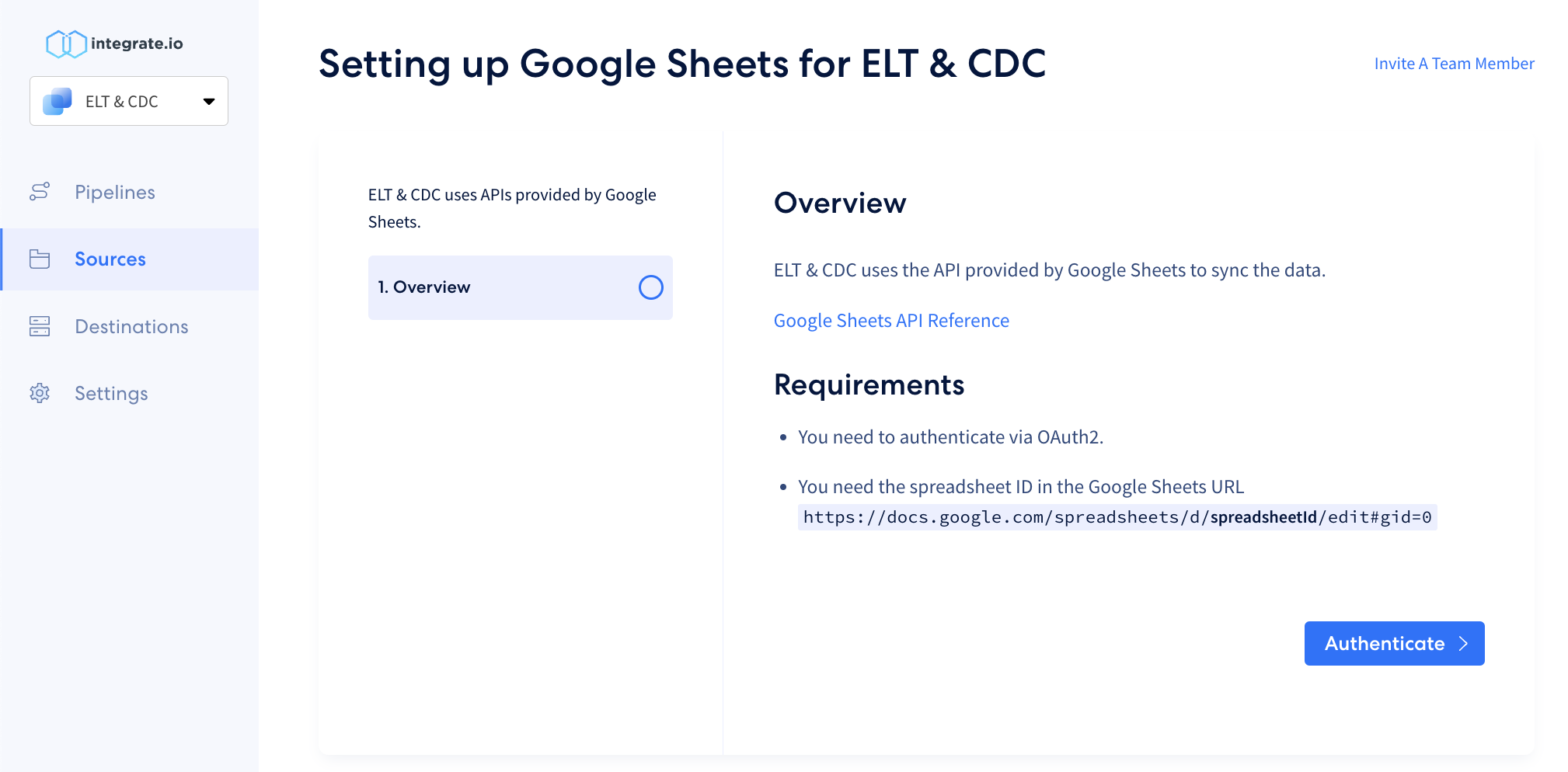
Click Authenticate and log in to your Google account.