Documentation Index

Fetch the complete documentation index at: https://www.integrate.io/docs/llms.txt

Use this file to discover all available pages before exploring further.

Prerequisite:

The table must have a unique key using NOT NULL columns. The unique key will work as the primary key for sync.  This will only be set on the destination for Integrate.io ELT & CDC Sync.

Getting Started

1
Modify the column of your table to set a custom PK

Table column list with option to set a custom primary key
2
Select a column(s) that has a unique key and is NOT NULL.
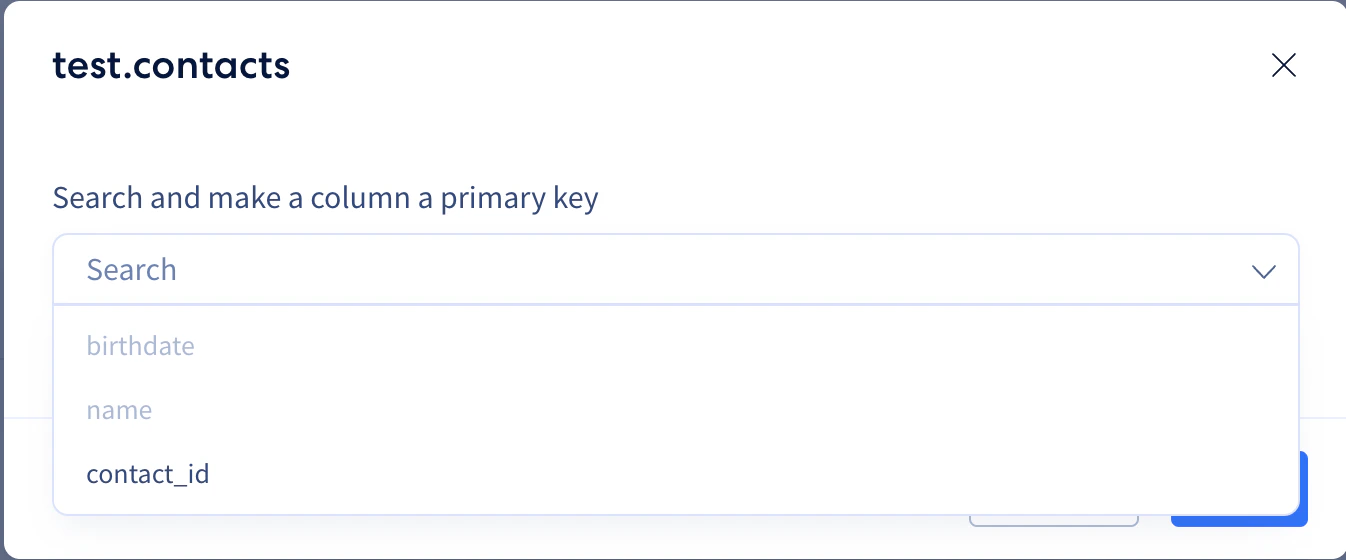
Selecting a unique NOT NULL column as the custom primary key
3
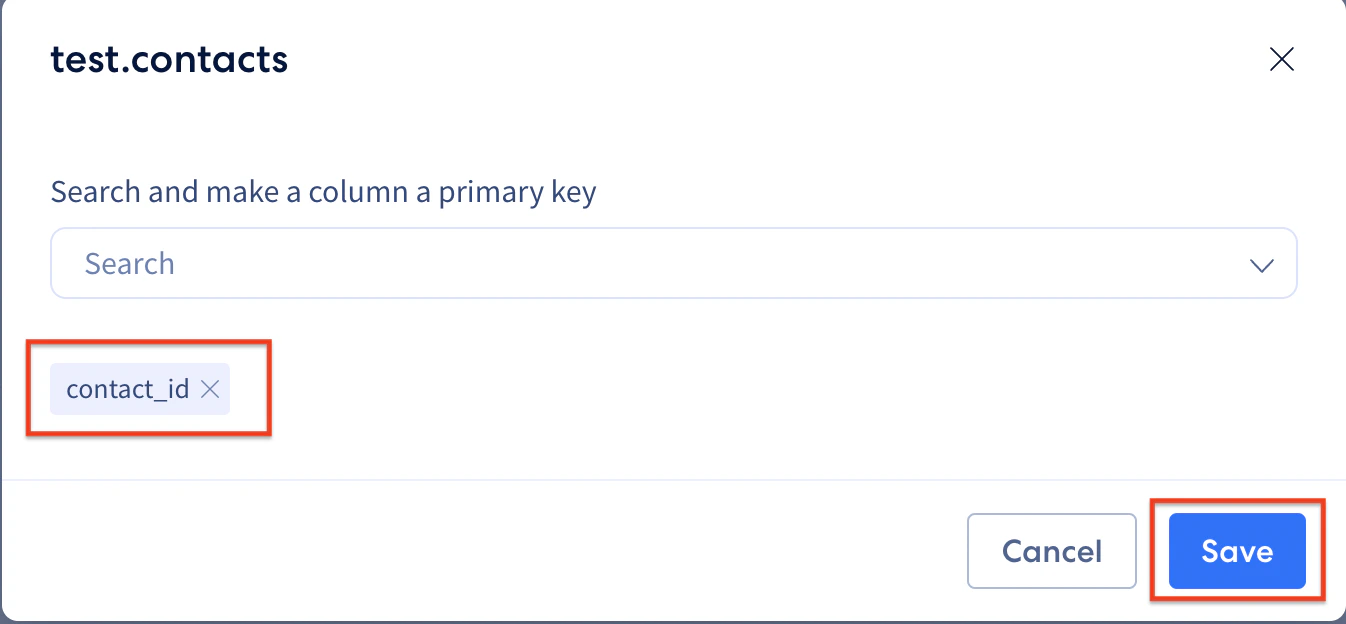
Once selected, hit Save
Custom primary key selected with Save button
4
Click Continue to Sync Settings to start the replication.
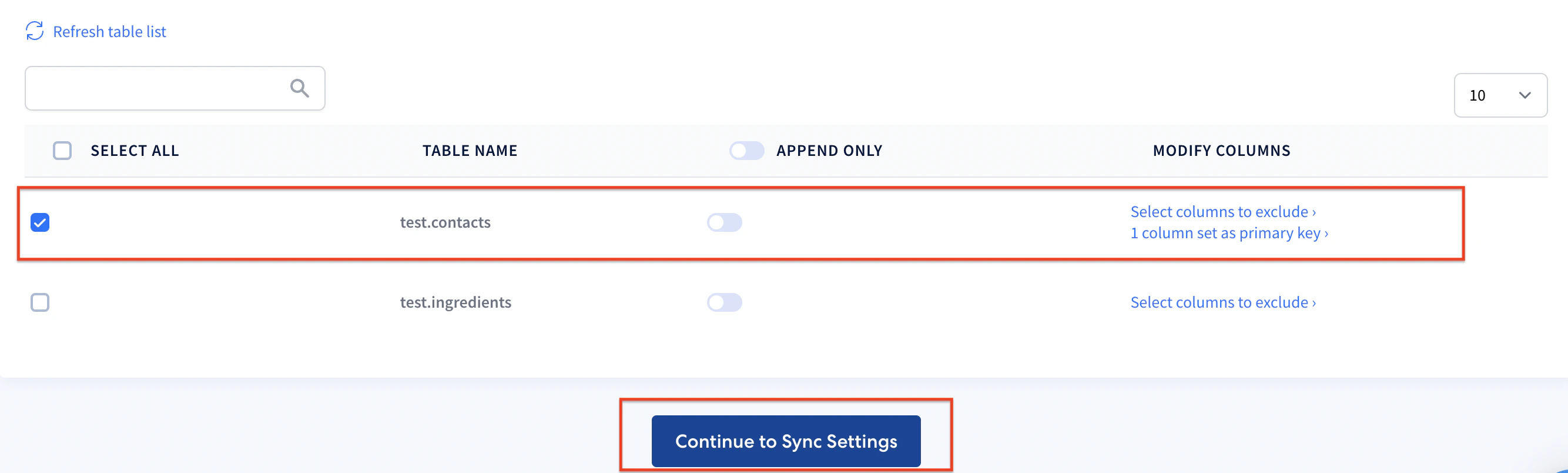
Continue to Sync Settings button to start replication
Last modified on April 20, 2026