

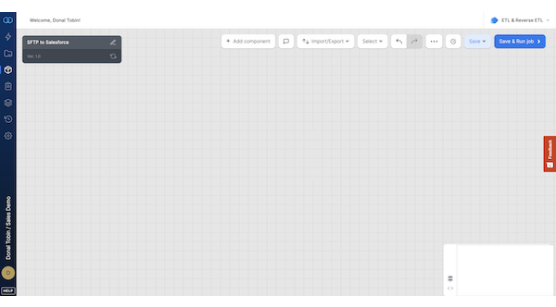







About SFTP
Transfer and integrate data securely with SFTP. Move files in Excel, CSV, JSON, or XML into Salesforce with a reliable tool for smooth data flow.
About Salesforce
Extract data from SFTP and load it into Salesforce for a unified Customer 360 view. Do more with your Salesforce data by integrating SFTP seamlessly.
Popular Use Cases
Bring all your Salesforce data to Amazon Redshift
Load your Salesforce data to Google BigQuery
ETL all your Salesforce data to Snowflake
Move your Salesforce data to MySQL
Frequently Asked Questions
Does standard SFTP-based workflows support real-time updates to Salesforce?
No, standard SFTP-based workflows are typically batch-oriented. Files are uploaded to the SFTP server and processed at scheduled intervals (e.g., hourly or daily). For real-time updates, an API-based approach or middleware with streaming capabilities is needed.
Can I upsert Salesforce objects using data from SFTP files?
Yes, most SFTP-to-Salesforce ETL solutions like Integrate.io allow upsert operations by mapping a unique external ID or Salesforce ID. This ensures that existing records are updated, and new records are created only when necessary.
Which Salesforce objects can I write to from an SFTP data source?
You can write to any standard or custom Salesforce object, such as Leads, Contacts, Accounts, Opportunities, and Custom Objects, provided you have the appropriate field mappings and API access configured.
Can the integration handle complex file formats like nested JSON or XML?
Basic SFTP-to-Salesforce pipelines typically support CSV or flat JSON. To handle nested JSON or XML, you'll need transformation capabilities—either within the ETL tool or through pre-processing scripts before uploading the data to Salesforce.
Is it possible to schedule automatic data transfers from SFTP to Salesforce?
Yes, most integration platforms allow you to schedule automated jobs to pull files from SFTP and load them into Salesforce at fixed intervals (e.g., hourly, daily, weekly) without manual intervention.




