Documentation Index
Fetch the complete documentation index at: https://www.integrate.io/docs/llms.txt
Use this file to discover all available pages before exploring further.
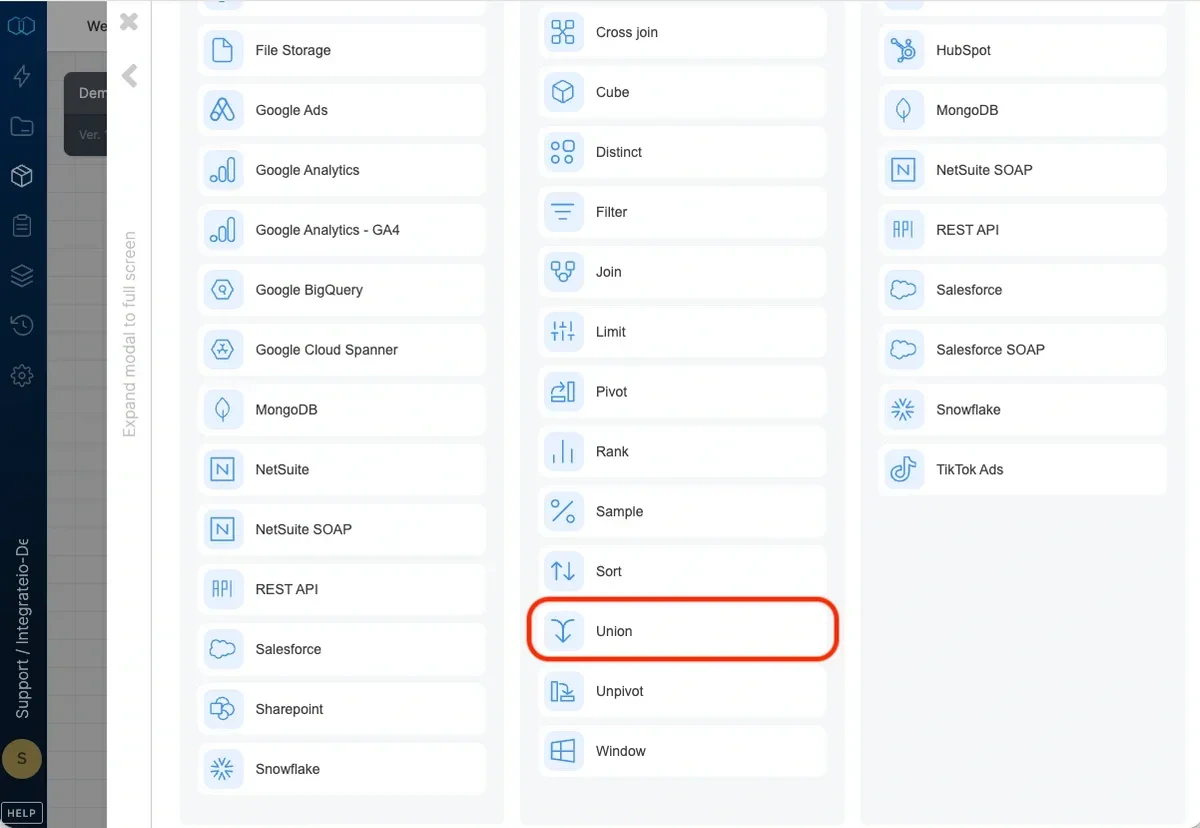
Note:Union in Integrate.io ETL acts like Union all in SQL (will not remove duplicate rows)
Union inputs
Select 2 inputs and drag and drop the component menu button onto the union component: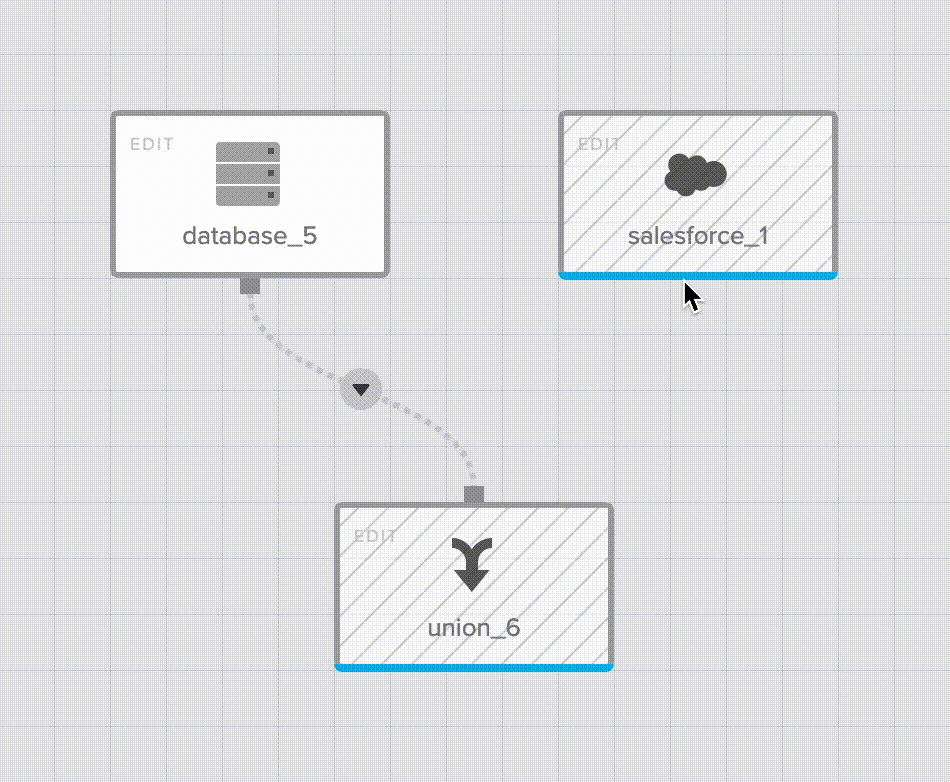
Input field mapping
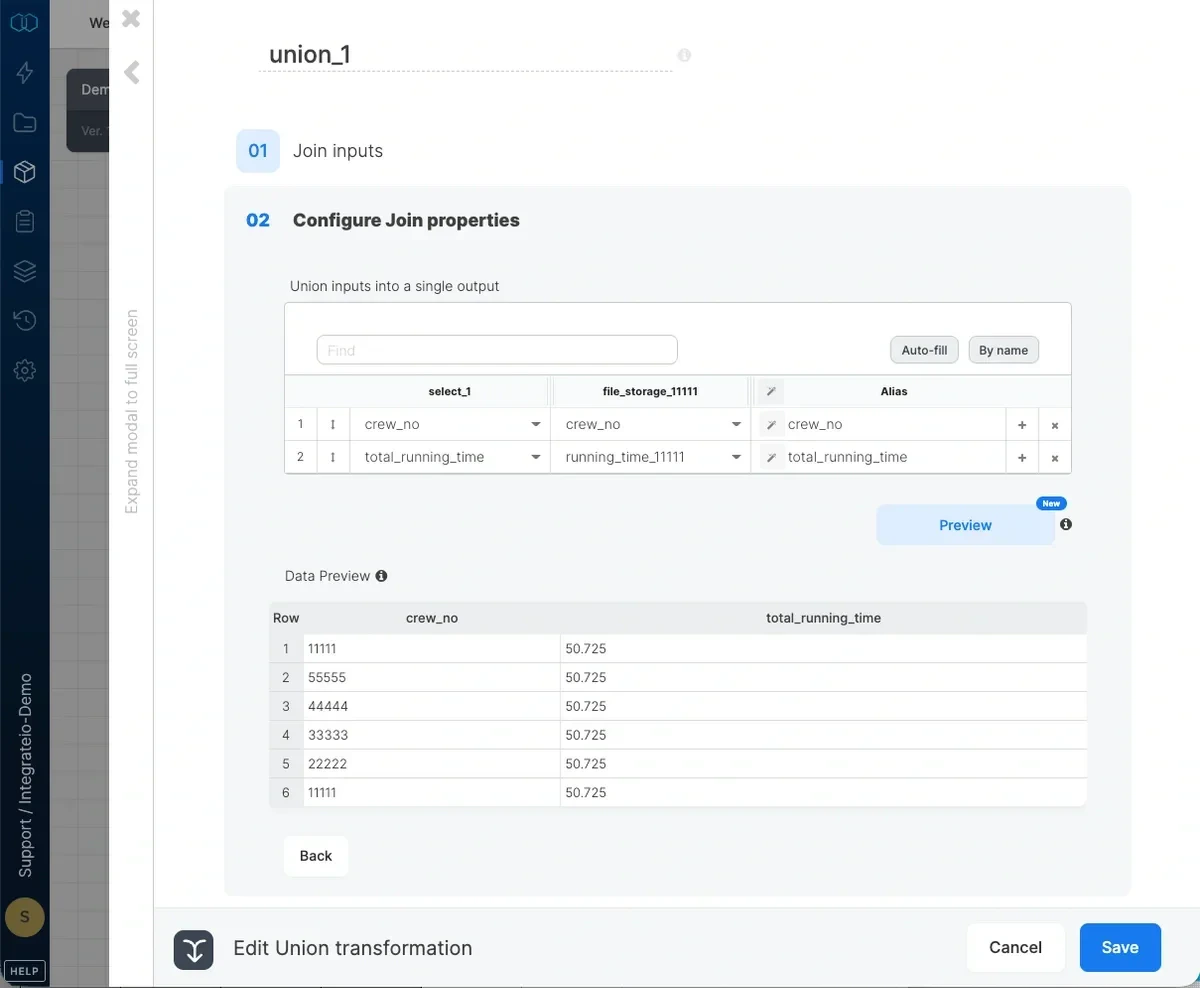
Map the pairs of fields from the two inputs into a single output field. You can auto-fill the list by order of fields in the two inputs (Auto-fill by order) or by matching field names (Auto-fill by name). You can also manually pick pairs of fields from the two inputs.