To create a HubSpot connection in Integrate.io ETL
1
Click the Connections icon (lightning bolt) on the top left menu.
2
To create a connection, click New connection.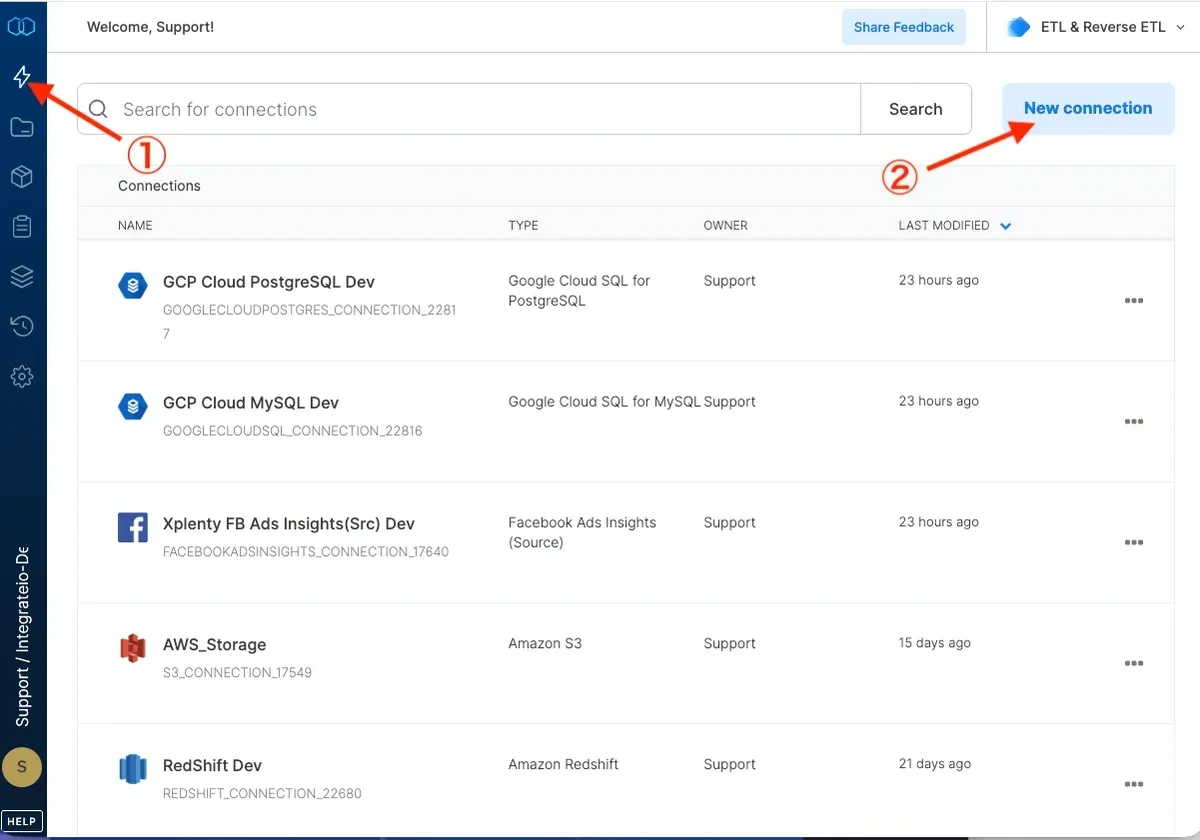
3
Select “Hubspot” under “Services” connection type.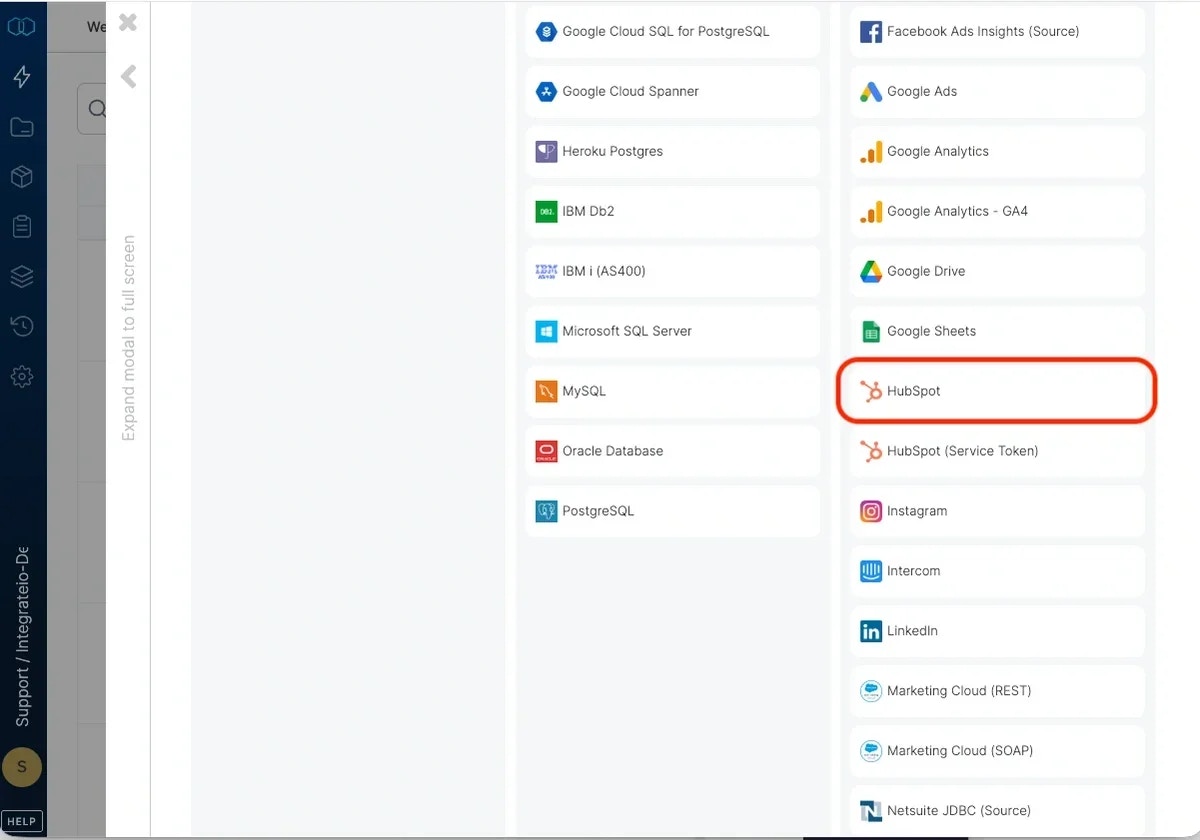
4
In the new connection window, click ‘Authenticate’ in the bottom right and enter your HubSpot credentials when prompted.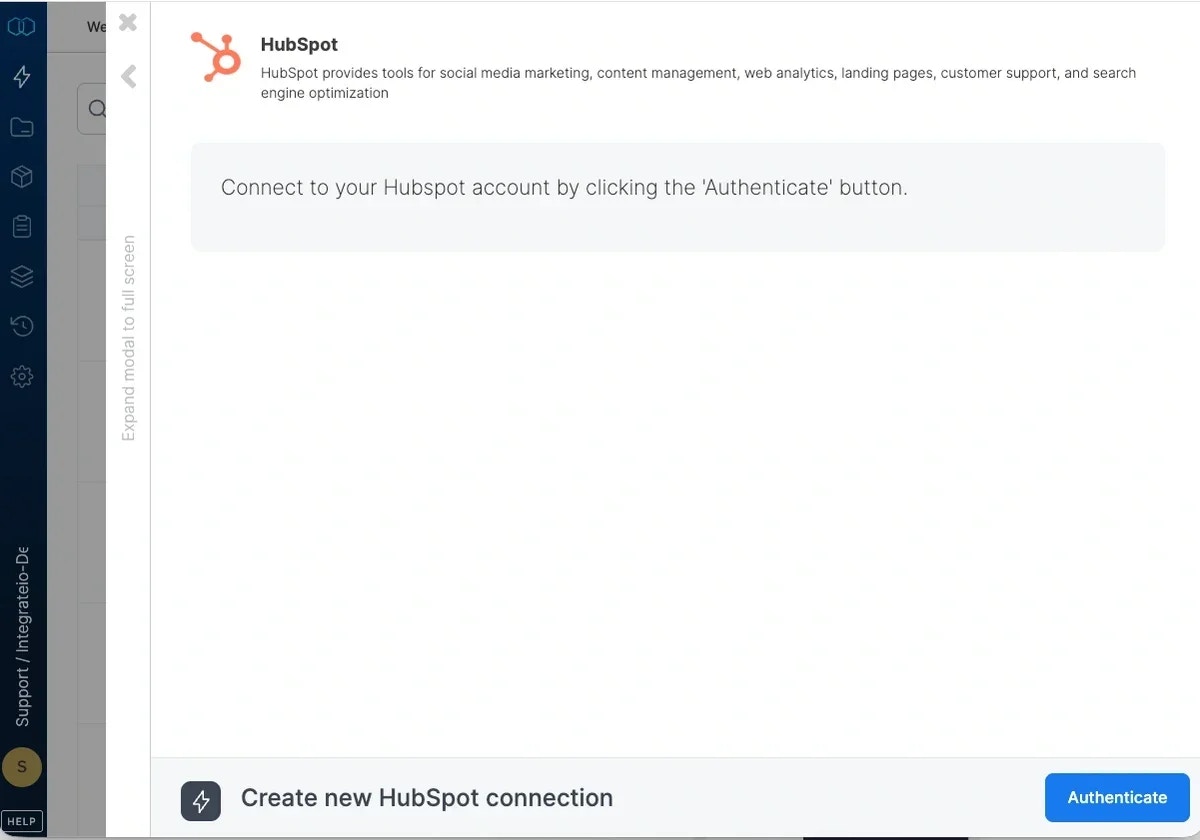
5
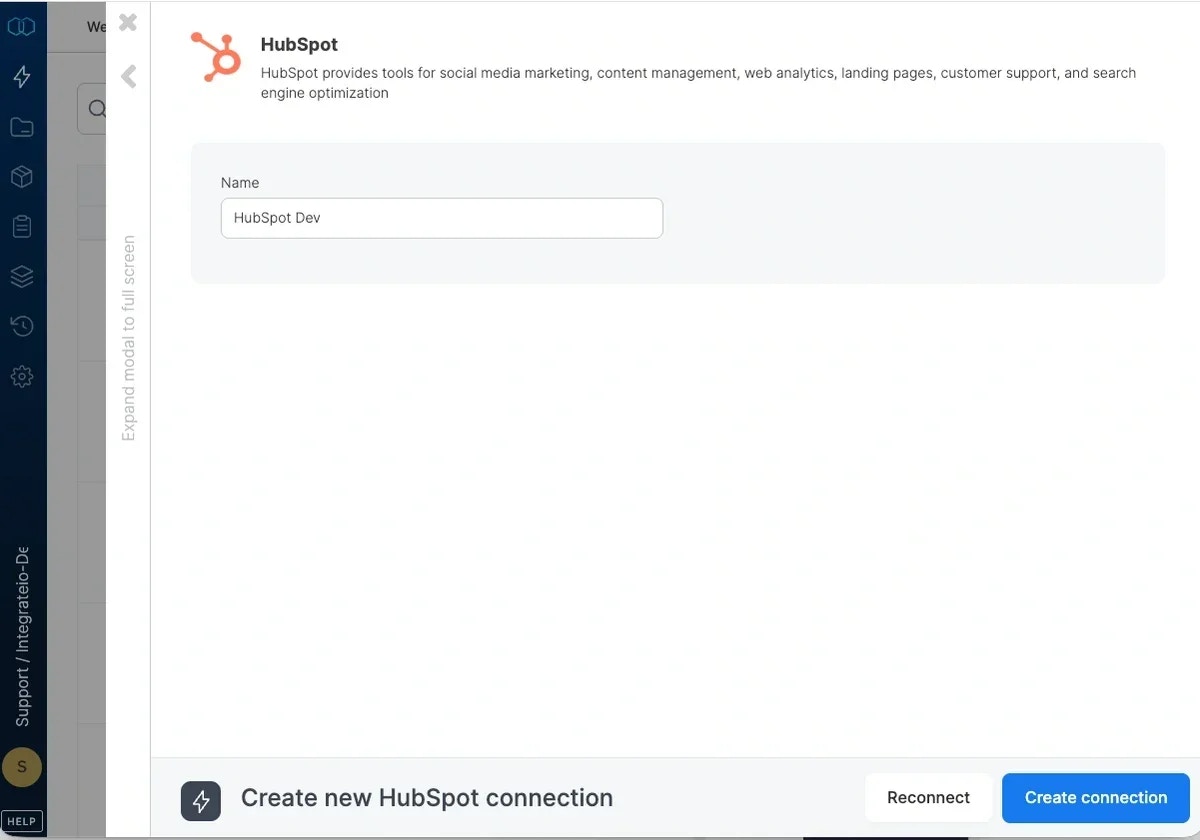
When prompted, name your HubSpot connection and click ‘Create connection’.