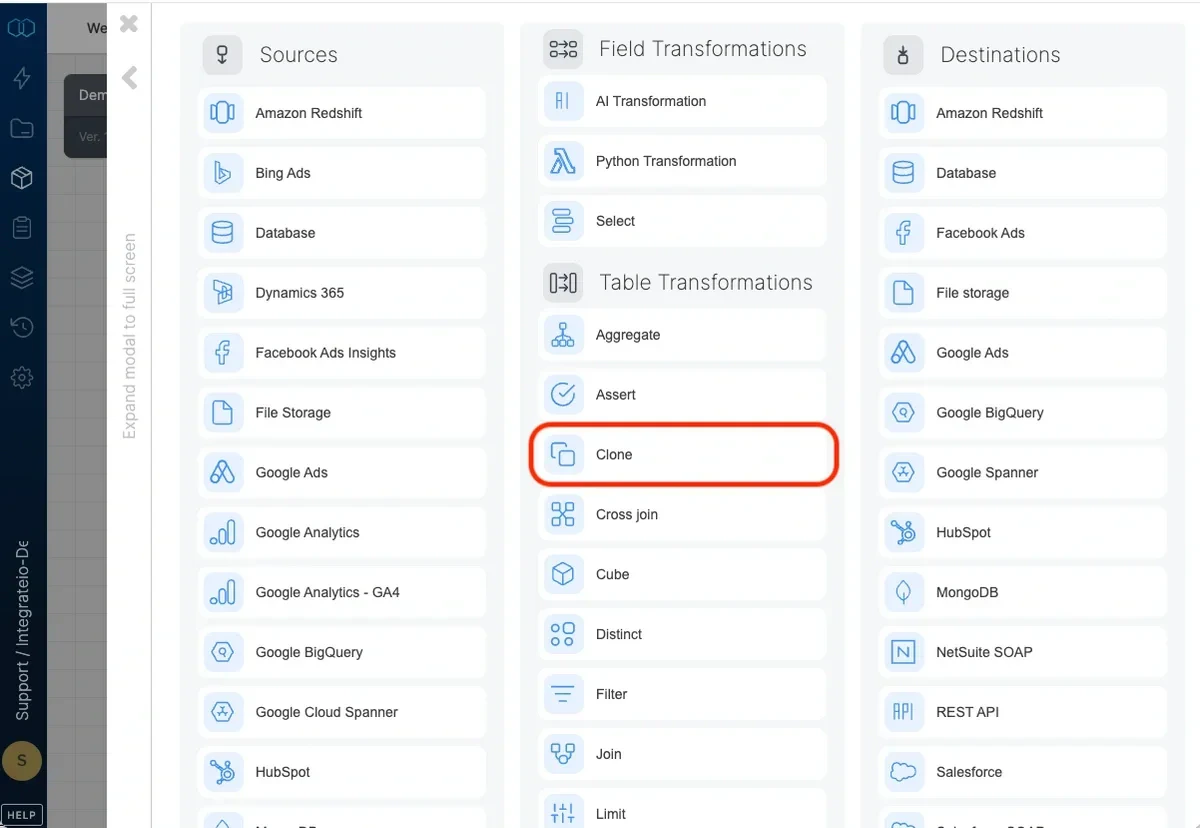
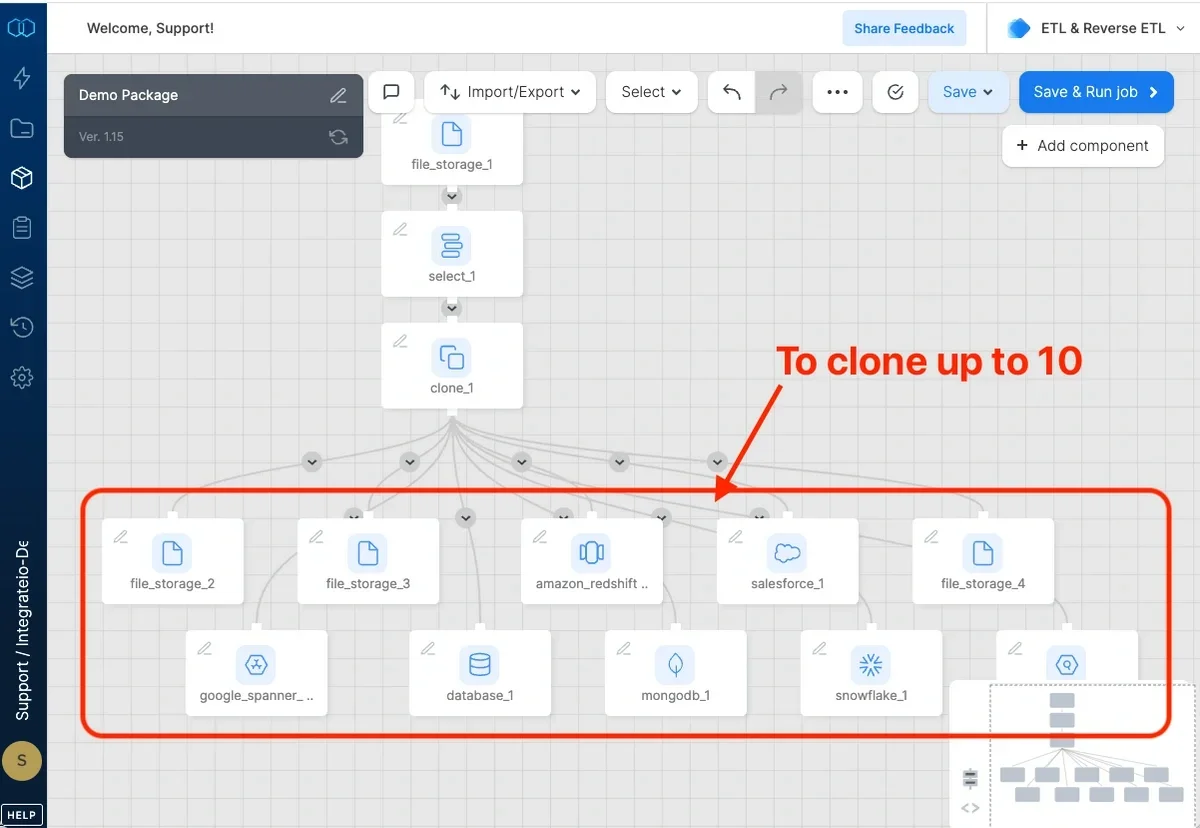
Use the Clone component to split a dataflow into two (or more) dataflows in order to apply multiple transformations to the same data.
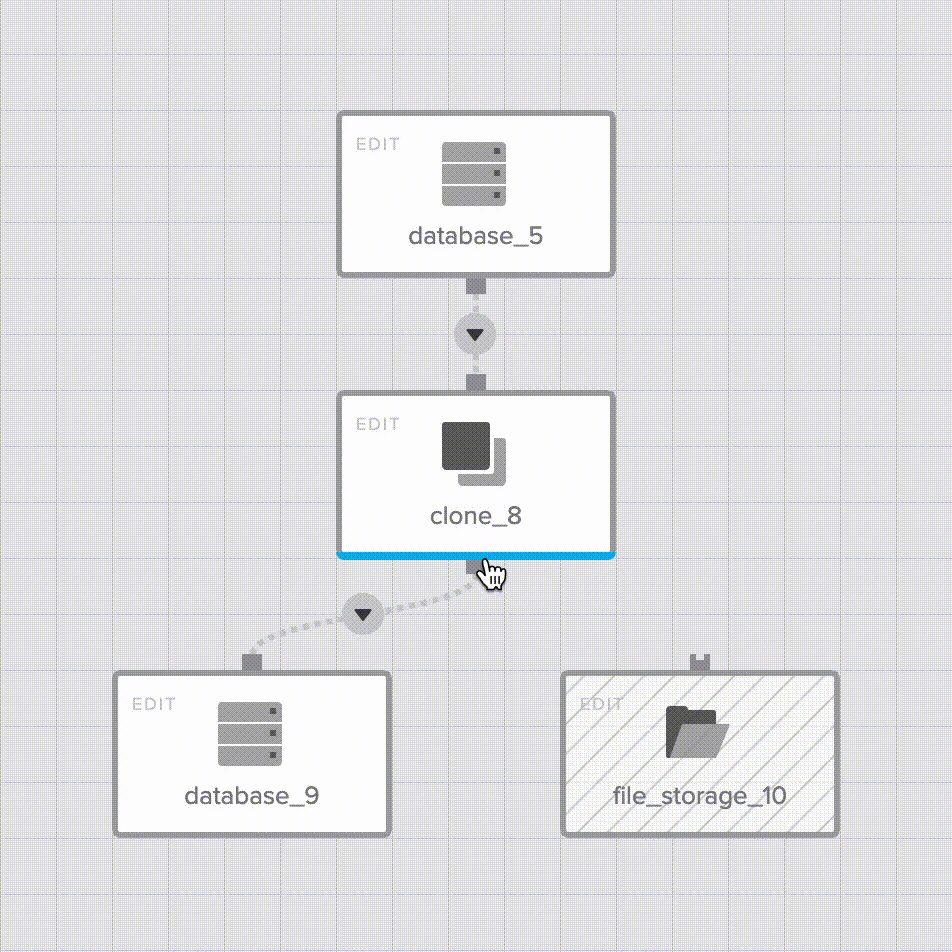
To split a dataflow, First, add a clone component. Then, click the Clone component menu button multiple times to add multiple destinations. Or, simply drag and drop the component menu button onto the separate destinations.
Note:Clones up to 10 components from a single source.
Last modified on October 5, 2026
Was this page helpful?
Assistant
Responses are generated using AI and may contain mistakes.