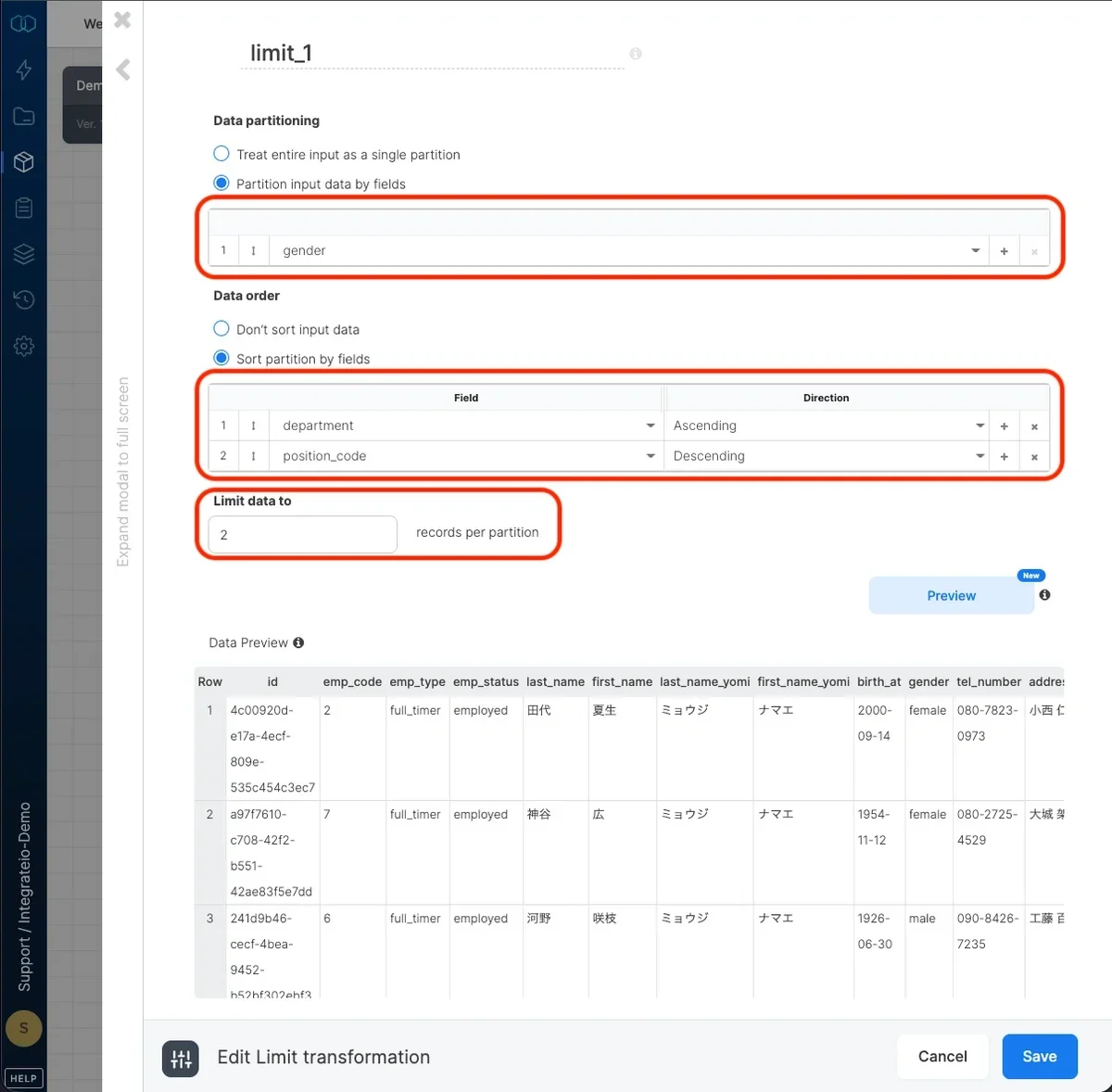
Data partitioning
Select treat the entire input as a single partition to limit the output of the entire input. Select partition data by fields to limit the output per group of records in the input with identical values in selected fields.
Data order
Select don't sort input data if you’d like to output arbitrarily selected records per partition. Select sort partition by fields to select fields to sort each partition by and the direction (ascending or descending).
Limit data
Finally, select the number of output records per partition.
Last modified on October 5, 2026