Connection
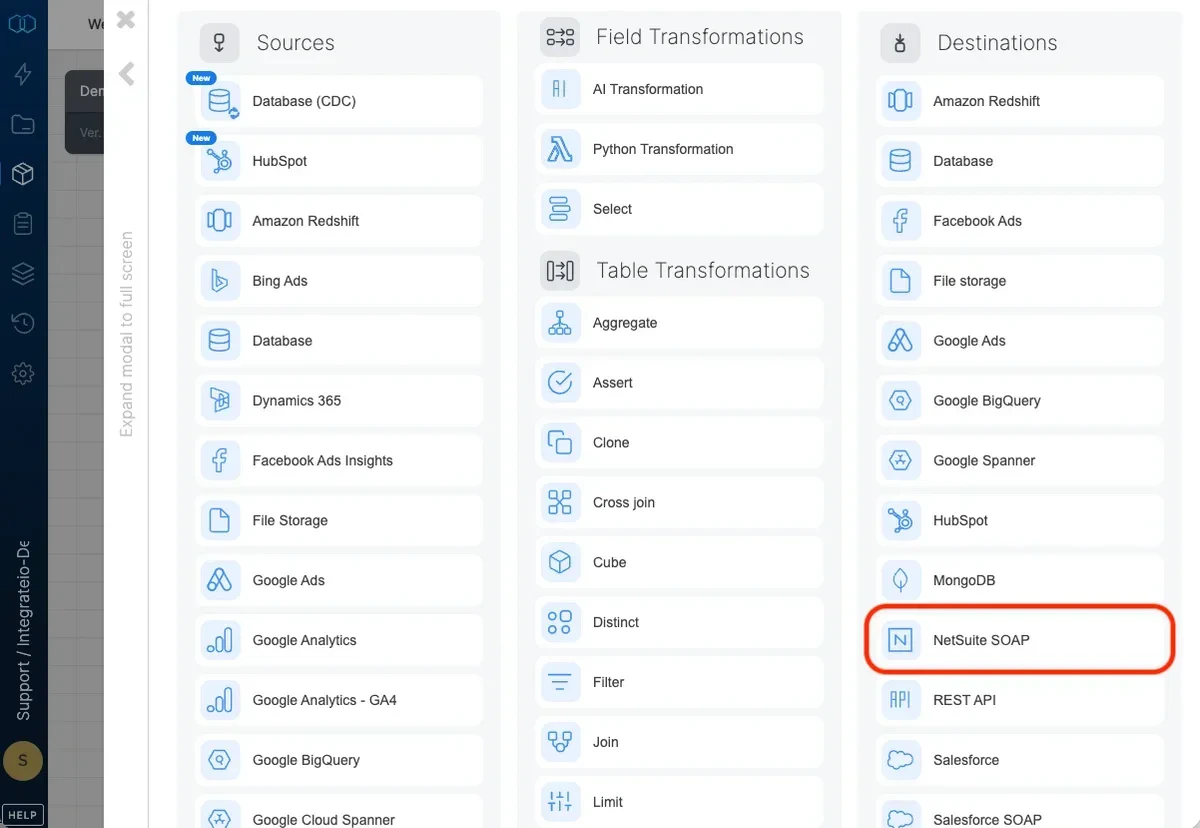
Select an existing NetSuite SOAP connection or create a new one (for more information, see Allowing Integrate.io ETL access to NetSuite SOAP.)
Destination Properties
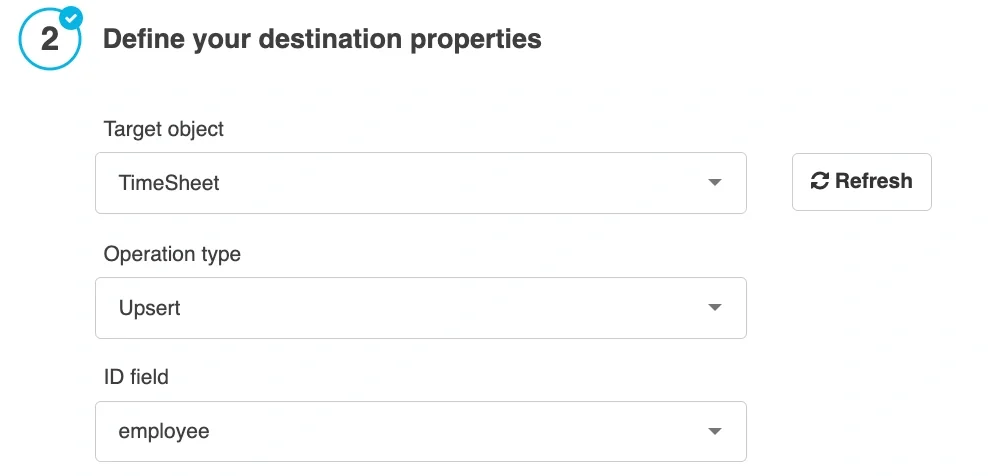
- Target object - select the name of the target object in your NetSuite.
Operation type
- Insert only - default behavior. Data will only be appended to the target object.
- Upsert - inserts new data into the object and updates existing data according to the selected ID field.
- ID field - when operation type is upsert, you must map a key field and select it as the upsert key.
- Delete - deletes data in the destination object.
Advanced options
- Batch size - number of records that are inserted to NetSuite in each batch (default 100).
- Maximum errors - maximum number of errors to tolerate when inserting data into NetSuite. Note that the actual number of errors may be greater than the maximum due to the parallel nature of the process.
Schema Mapping
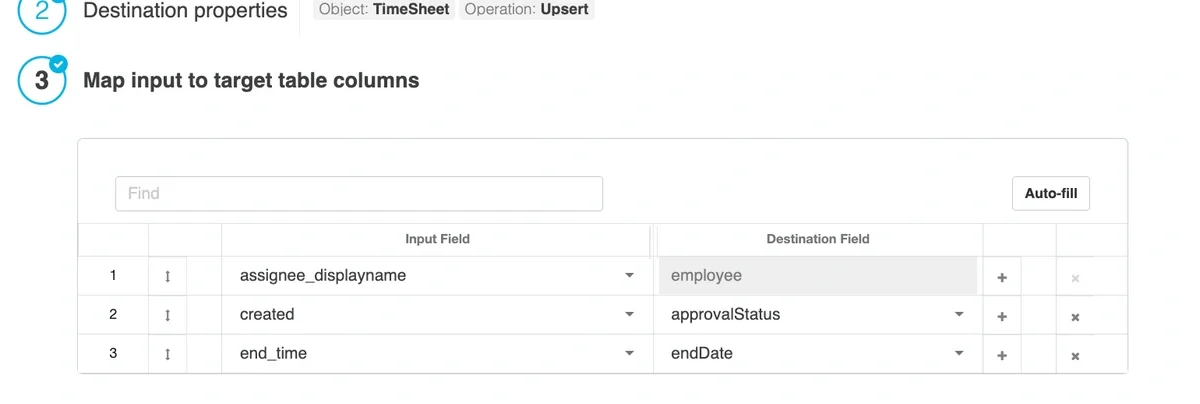
Map the dataflow fields to the target object fields. When using the upsert operation, it is mandatory to map ID field as destination field.
Last modified on October 5, 2026