

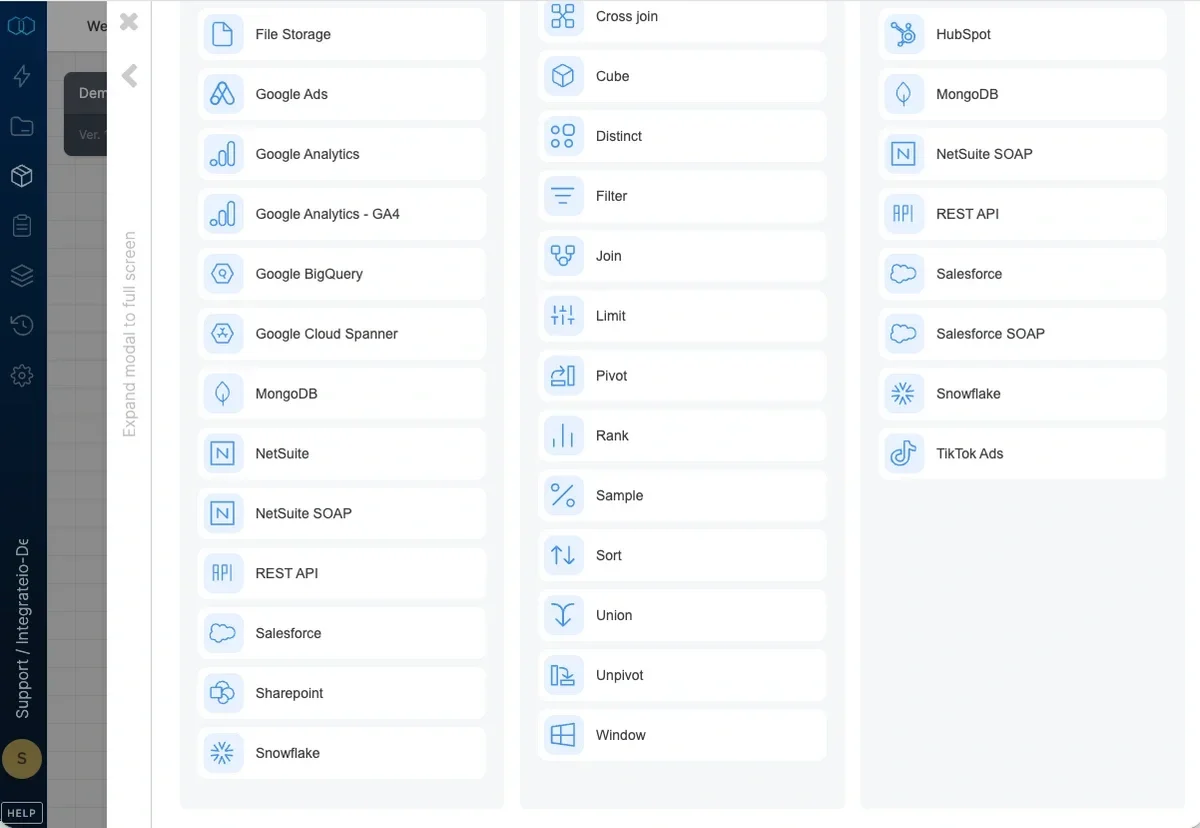
Note:In contrast to the Limit component (which selects the first N records that you specify), the Sample component selects a “spread” (beginning, middle, end) of random records from the input.
To sample the number of records:
1
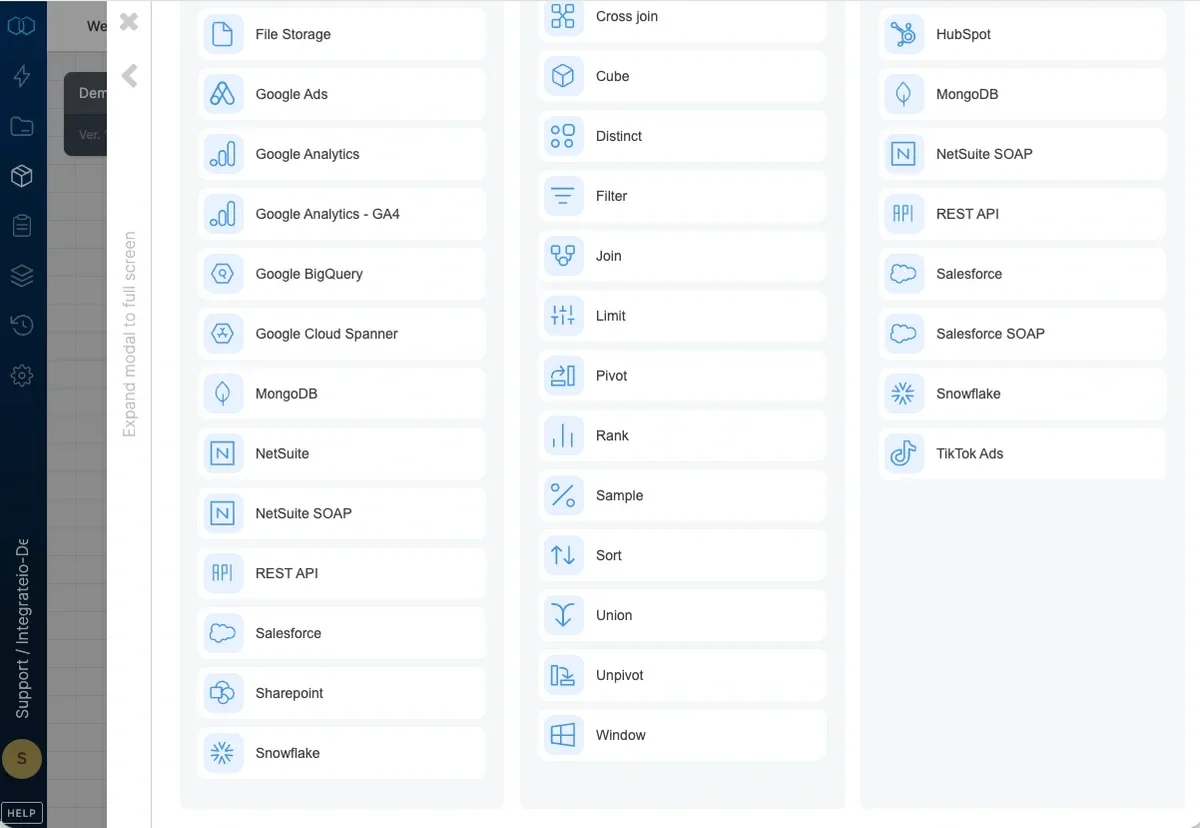
Add a Sample component where required in your package.
2
Open the component and name it.
3
In Output a random sample of data, type the percentage of records you want to be selected. You can use non-integer numbers as a percentage.