Sort data by one or more fields:
1
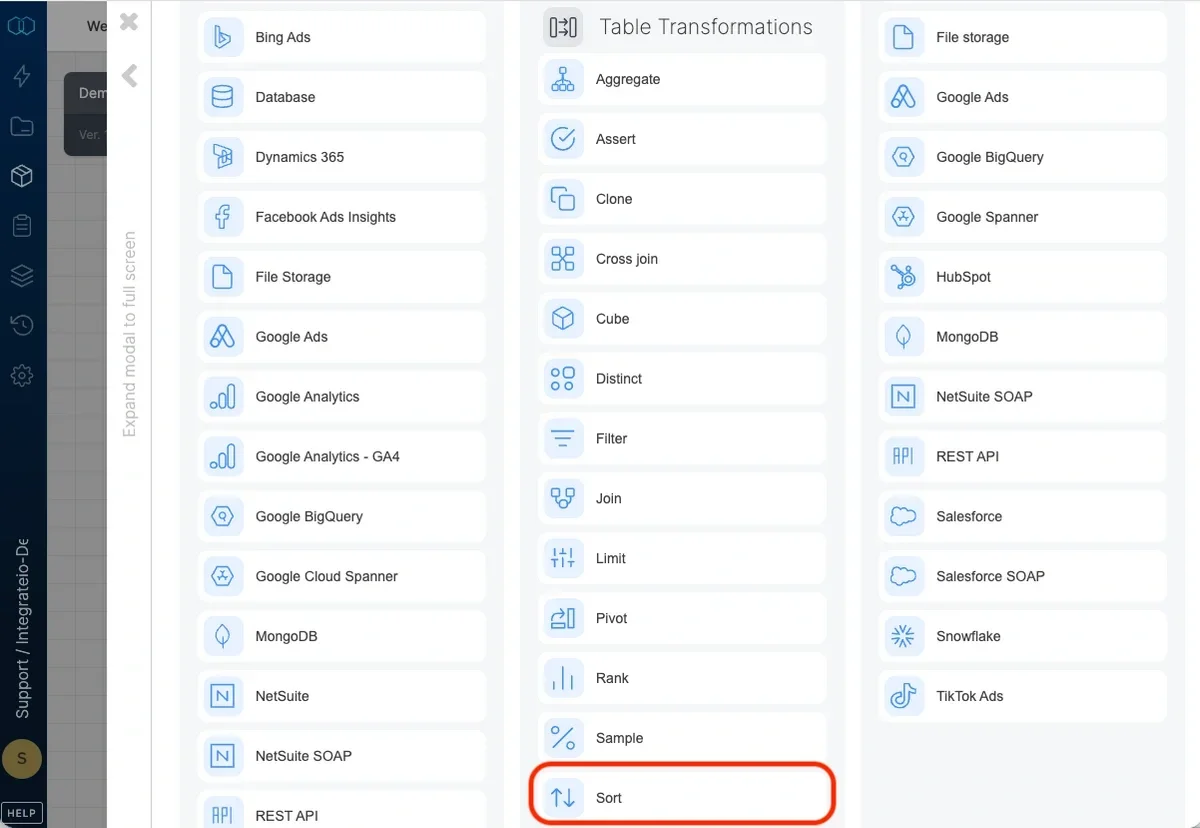
Add a sort component where required in your package.
2
Open the component and name it.
3
Add the first field you want to sort by, and define the sort order (ascending or descending).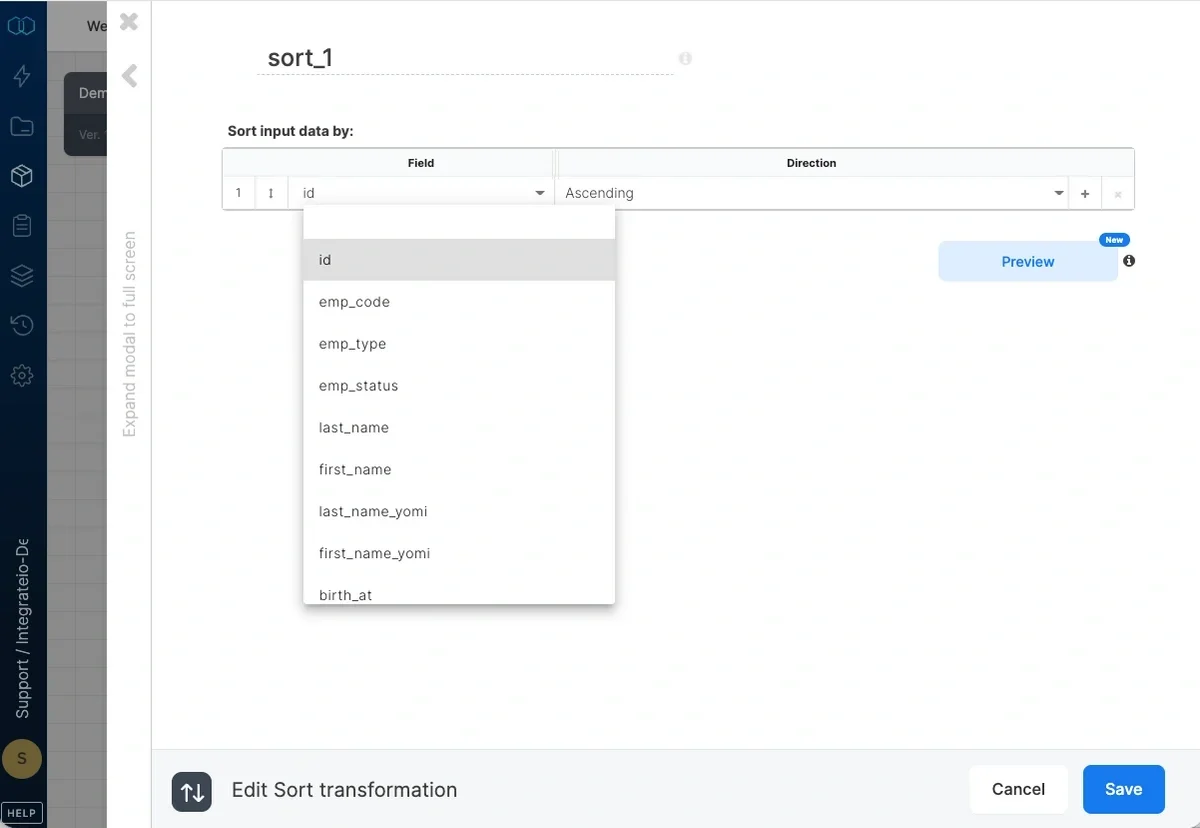
4
If required, add additional fields to sort by and define their sort order.
5
Change the field order as required.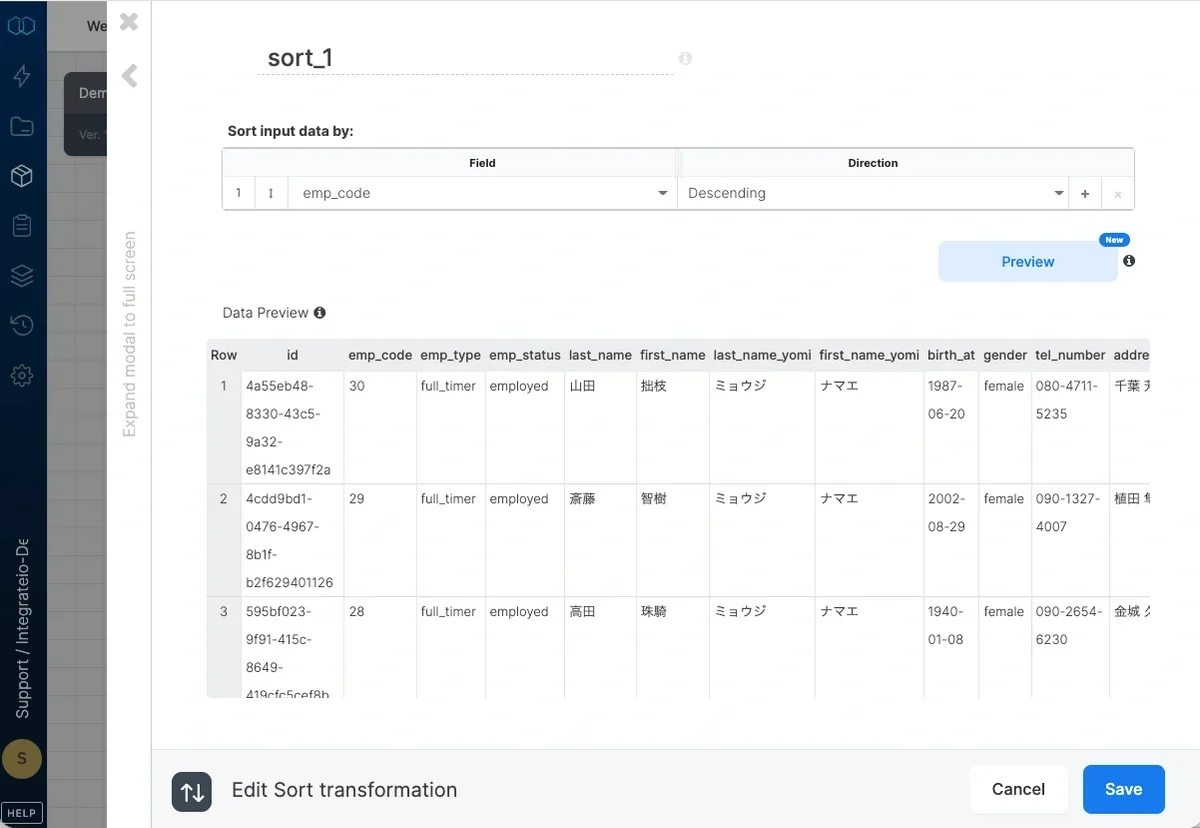
Known Limitation
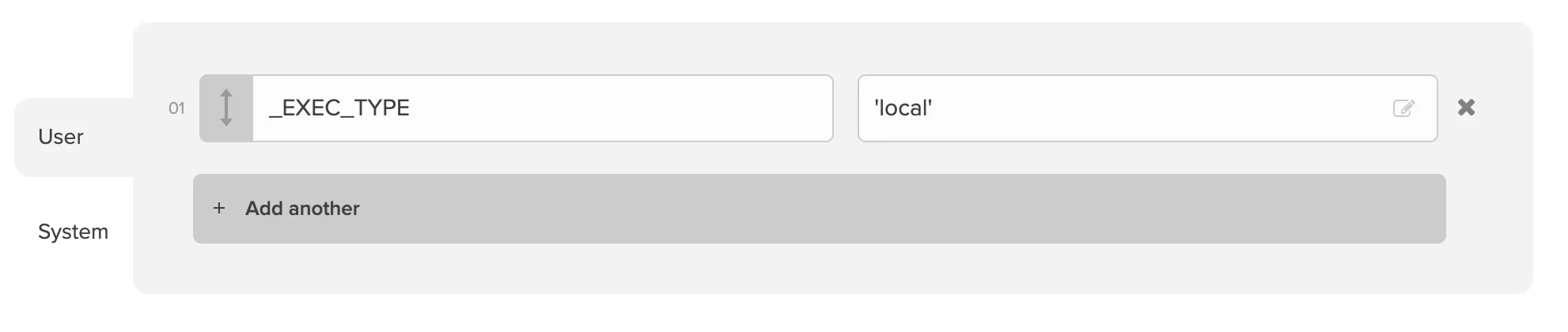
Since Integrate.io ETL offers parallel processing out of the box on some components, Sort is not guaranteed by default and single-threaded processing needs to be enforced. To do so, add a package variable _EXEC_TYPE with value ‘local’ so that the records are sorted properly. Note that selecting “Merge output to single file” in File Storage destination can also affect proper record sorting.