Connection
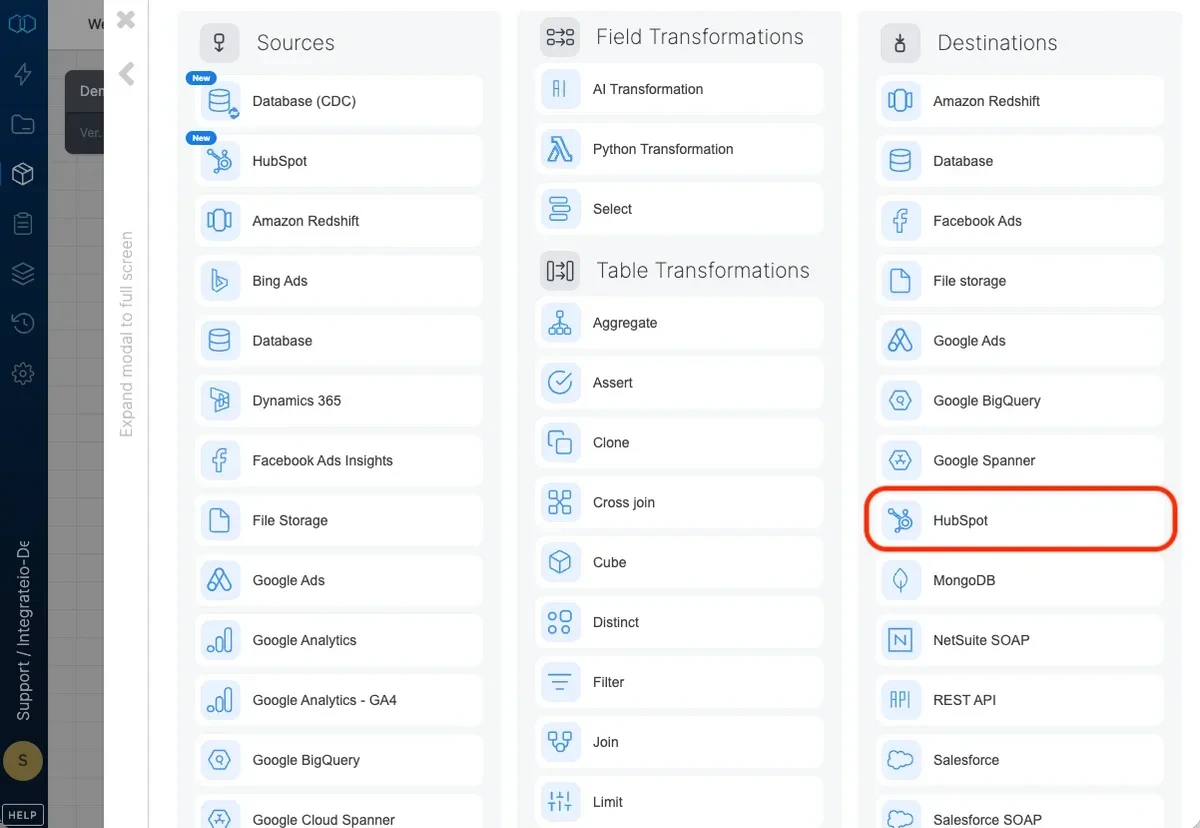
Select an existing HubSpot connection or create a new one (for more information, see Allowing Integrate.io ETL access to HubSpot.)
Destination Properties
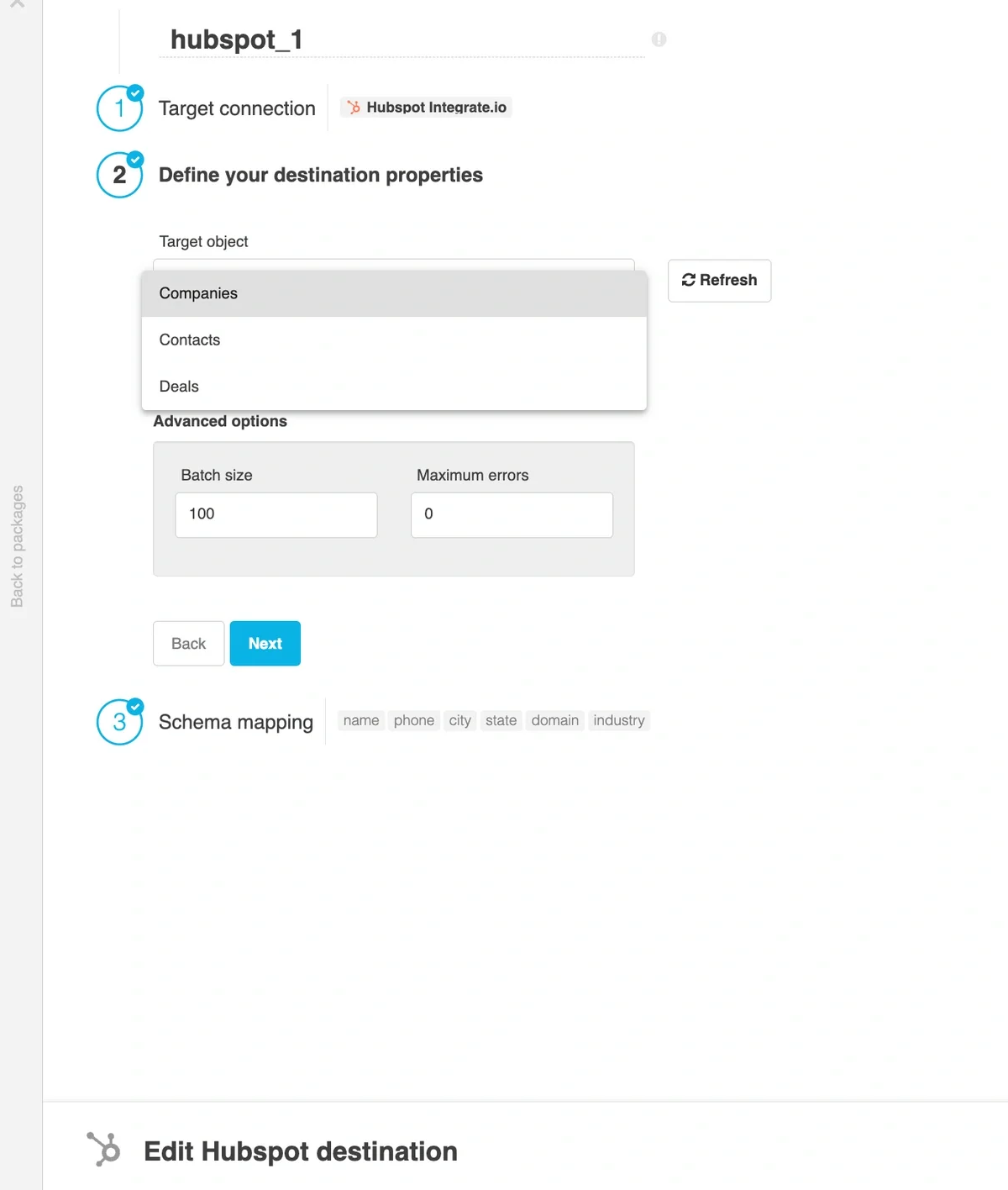
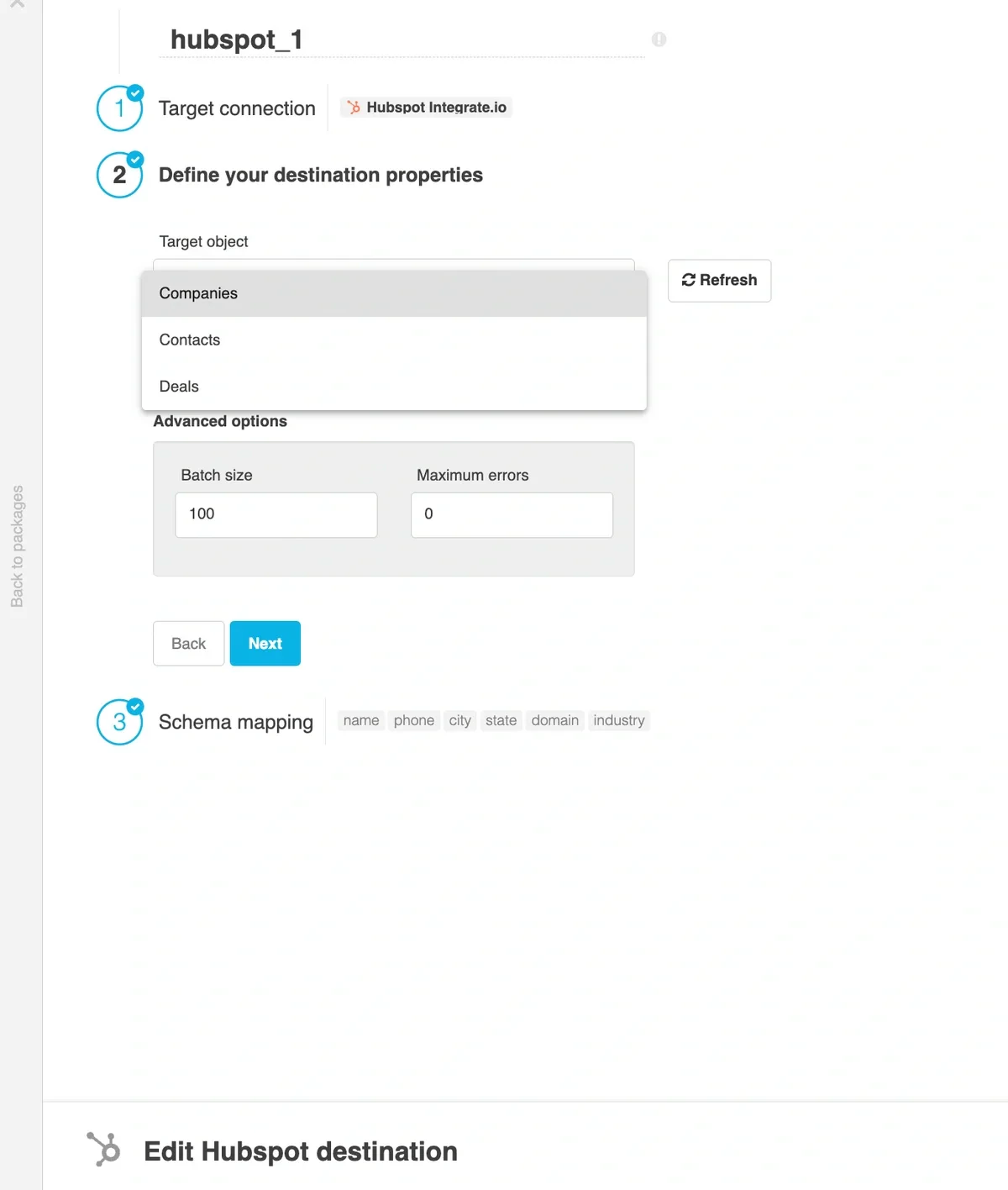
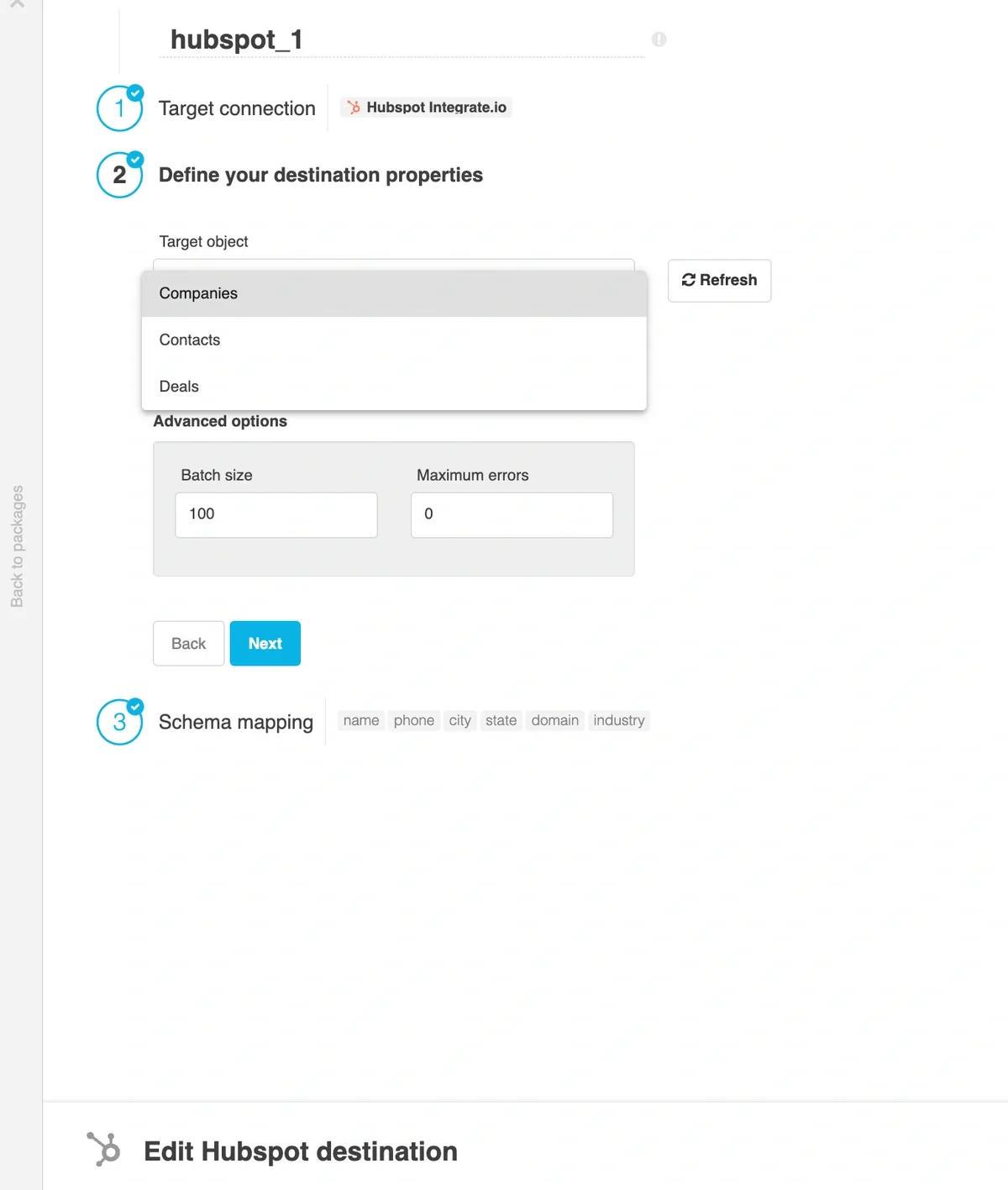
- Target object - select the name of the target object in your HubSpot. Standard CRM objects (contacts, companies, deals, line items, and so on), activity objects (
calls, emails, meetings, notes, tasks), and custom objects discovered in your account all appear in the dropdown.
Operation type
-
Create - default behavior. Data will only be appended to the target object.
-
Update - updates existing data according to key of selected HubSpot object.
-
Delete - deletes existing data individually or in batches according to key of selected HubSpot object.
-
Upsert - update or create data according to id property of selected HubSpot object.
Advanced options
- Batch size - number of records that are inserted to HubSpot in each batch (default 100). HubSpot API has a limit of 100 records per call except for creating and updating contacts, which are limited to 10 records per call. More info here.
- Maximum errors - maximum number of errors to tolerate when inserting data into HubSpot. Note that the actual number of errors may be greater than the maximum due to the parallel nature of the process.
Schema Mapping
-
Map the dataflow fields to the target object fields. When using the
update or delete operation, it is mandatory to map id as destination field.
Writing JSON properties
Some HubSpot properties are typed as json, notably hs_email_headers on emails and hs_scheduled_tasks on meetings and tasks. Map a string source field to the property and send a valid JSON document as text. The destination writes the value as-is without re-serializing it, so build the JSON upstream with ToJson or a string expression.
Clear when empty
By default, the destination omits null or empty source values from the payload sent to HubSpot, so any existing value for that property on the record is left unchanged.
Select the Clear checkbox on a mapped field to overwrite the HubSpot property with a blank value when the input value is empty or null. HubSpot treats a blank value as a request to clear the property, so the existing value on the record is wiped.
Use this when an empty or null source value represents “no value” that should be reflected in HubSpot. For example, when a customer’s opportunity_stage becomes null after a subscription lapses, selecting Clear on that field clears the stage in HubSpot instead of leaving the previous value in place.
Notes:
- The Clear column only appears when the operation type is Update or Upsert. It is not shown for Create or Delete.
- The checkbox is hidden for required fields and for the field used as the match key.
- The setting is opt-in per field. Fields without Clear selected continue to be omitted from the payload when the source value is empty, so partial syncs do not wipe unmapped values.
- Works for
STRING, NUMBER, and DATE properties. Numeric and date fields are sent as a blank value when the source value is empty, bypassing type parsing.
- Association fields cannot be cleared.
Custom Objects
Data can be loaded to both standard and custom objects using this HubSpot destination connector.
Last modified on October 5, 2026