To create a package:
1
On the main menu, click Packages (1).
2
Click New package.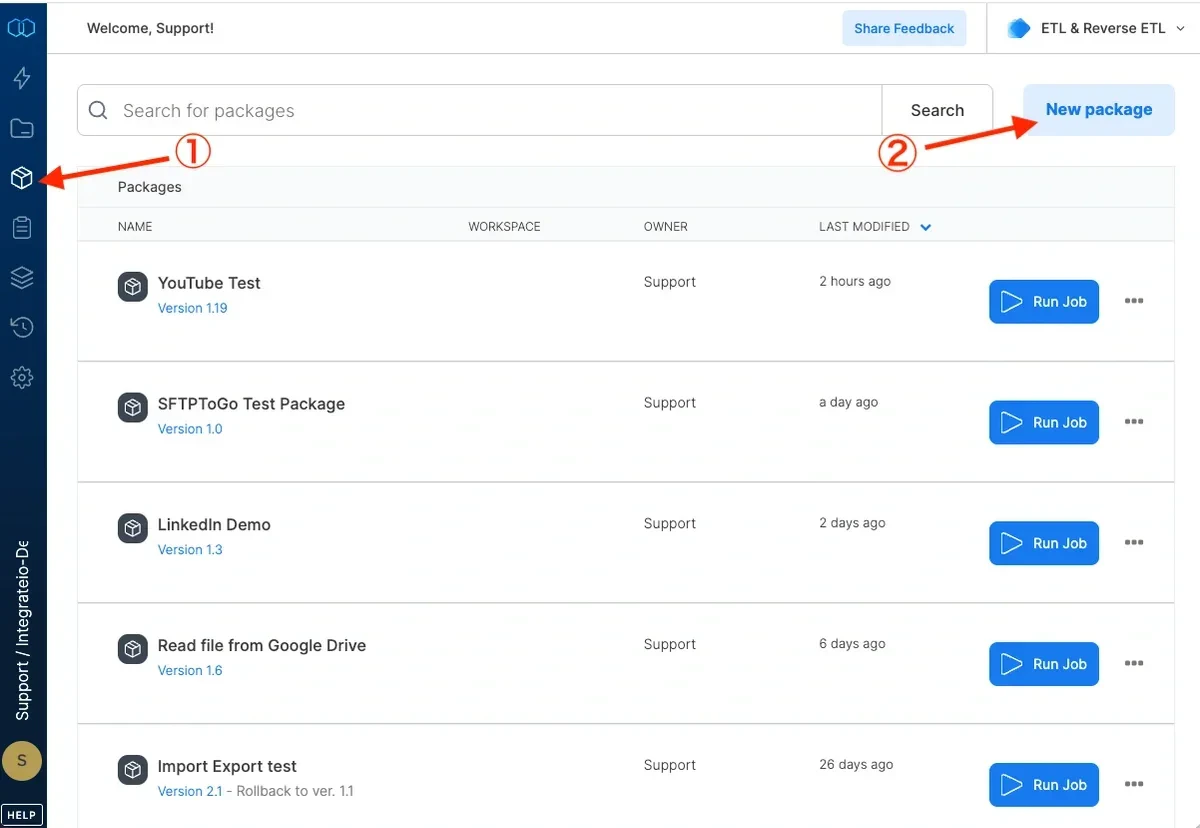
3
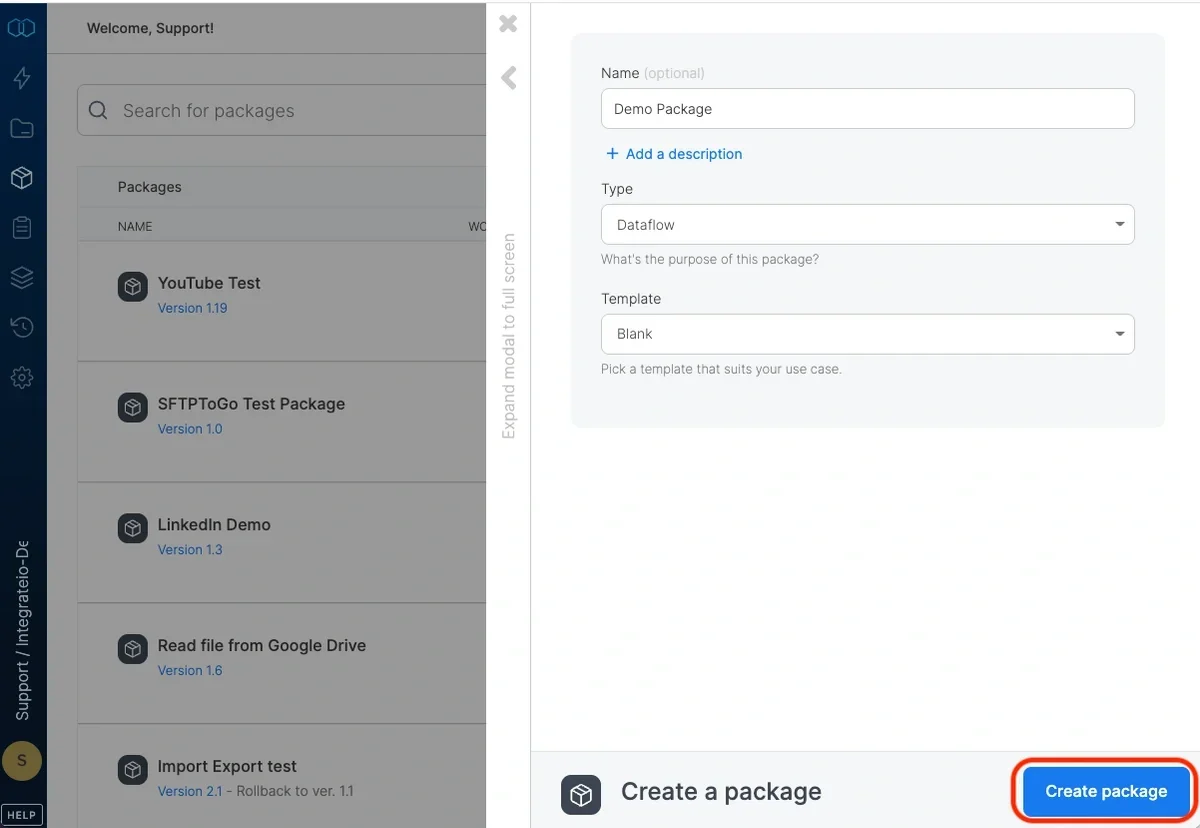
Optionally, set a name and\or description
4
Select the package type: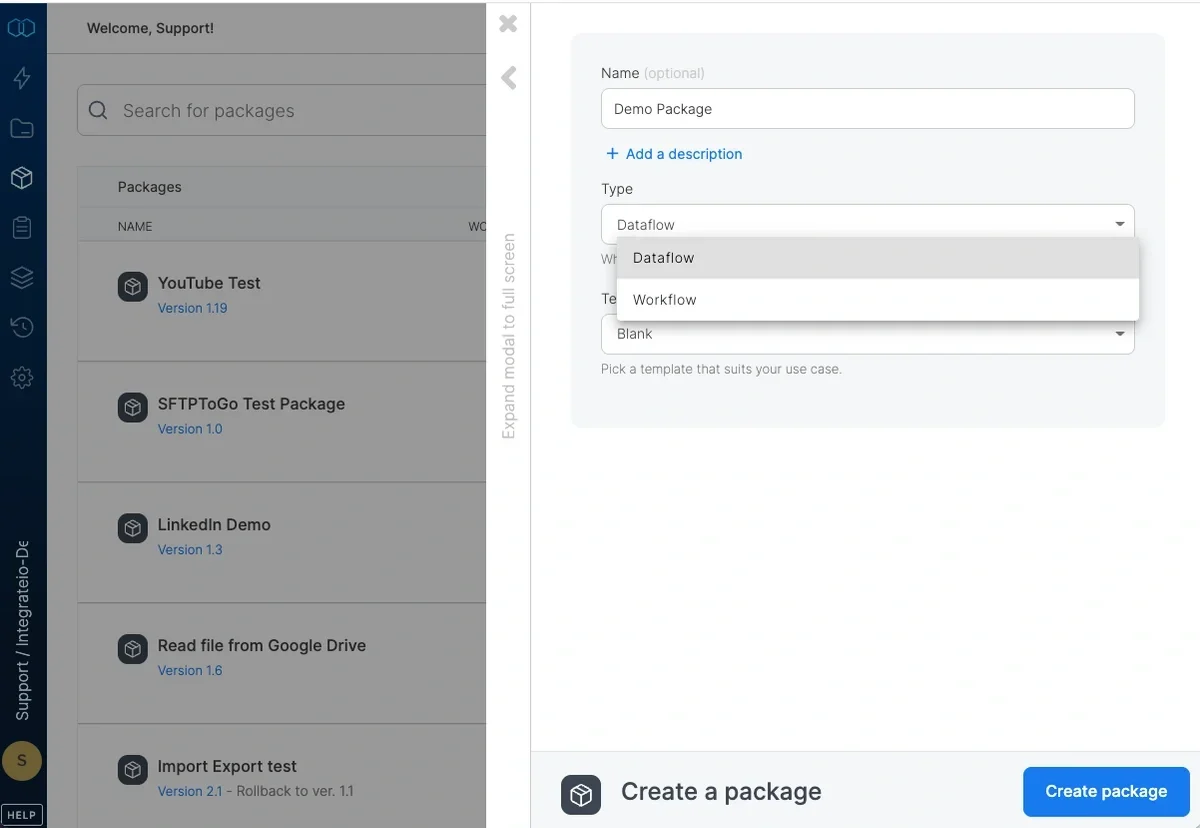
- Dataflow - describes the data to process (location, schema, fields), data manipulation to perform, and the output destinations (location, schema).
- Workflow - define dependencies between tasks. For example: after dataflow A completes successfully run dataflow B.
5
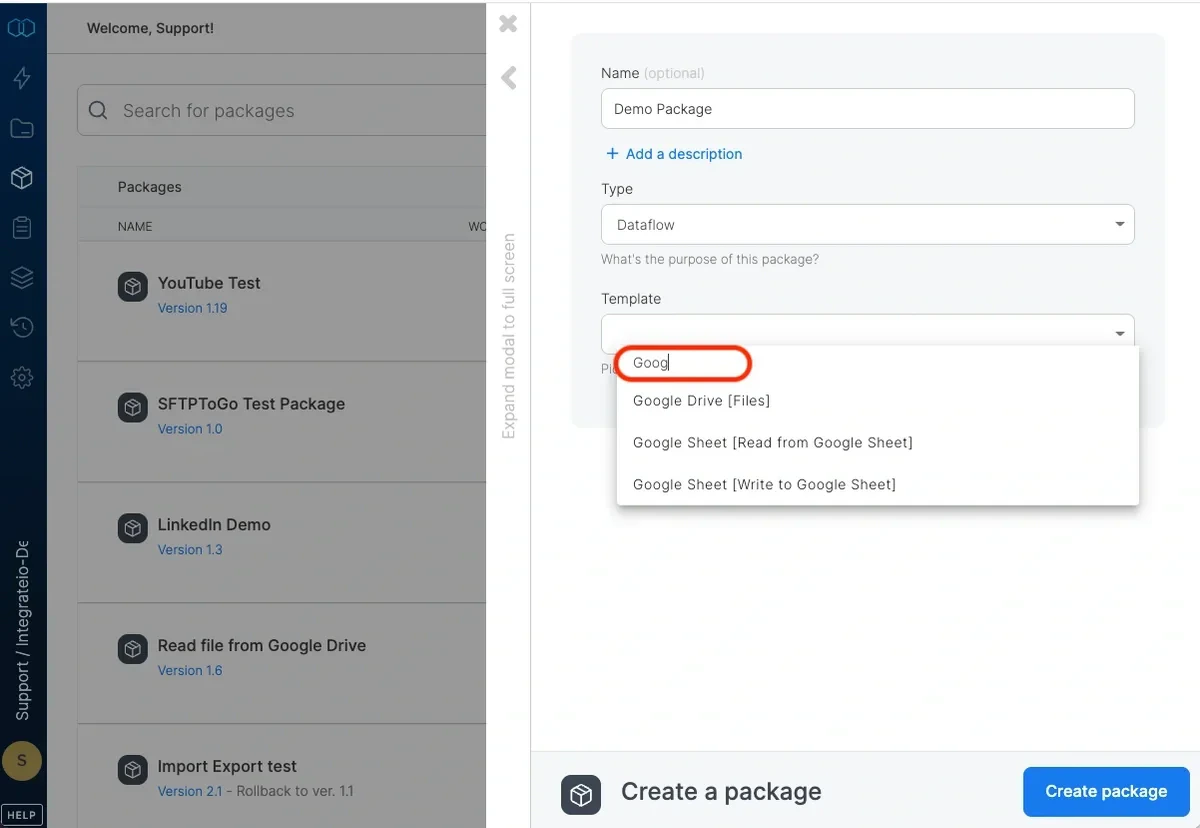
To create a package from a template, select the required template from Templates dropdown (if necessary, filter the templates list first by typing relevant characters in the Filter Templates text box).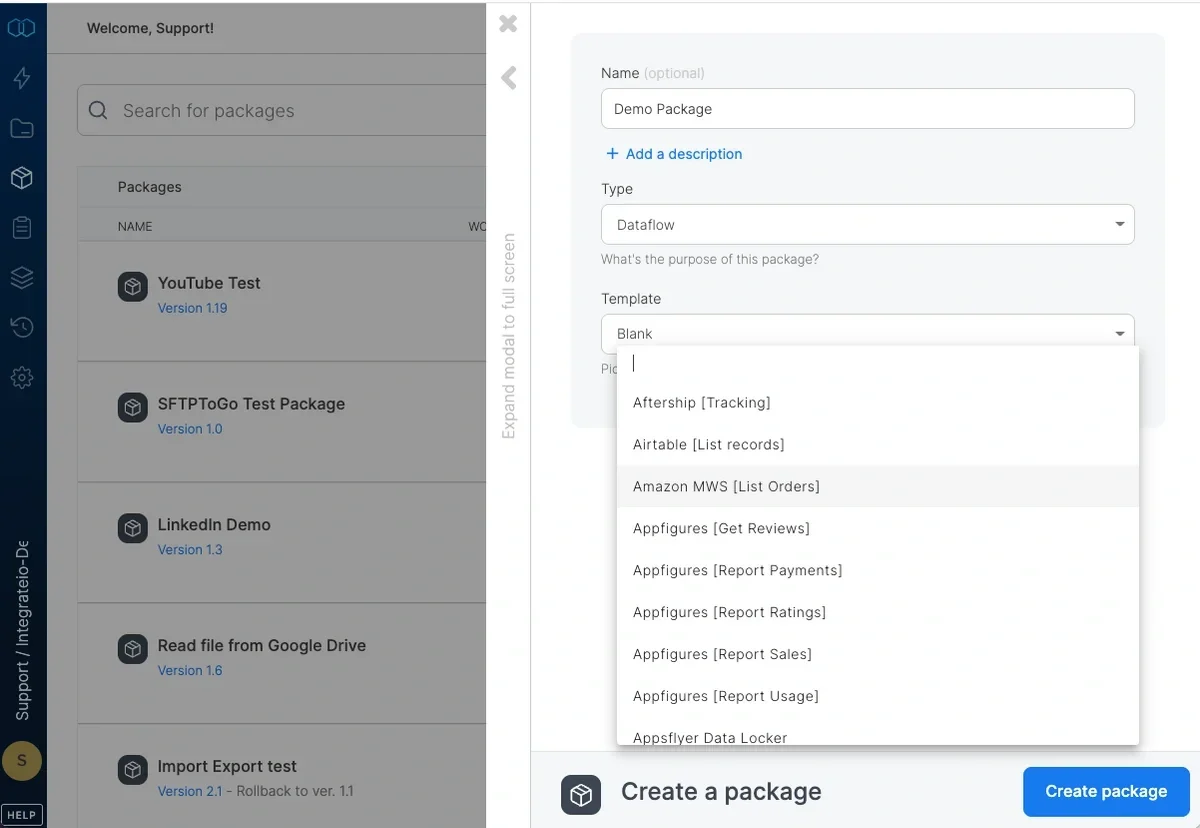
6
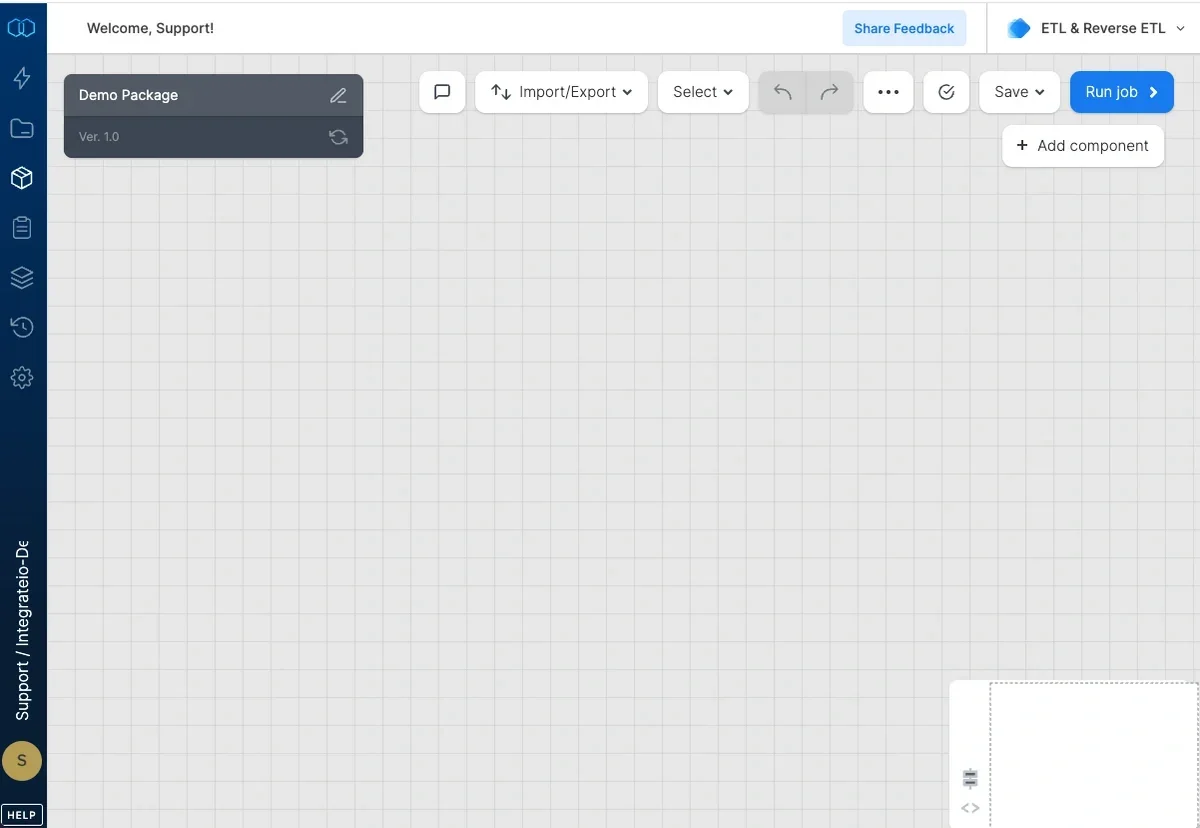
Click Create package to create new package.