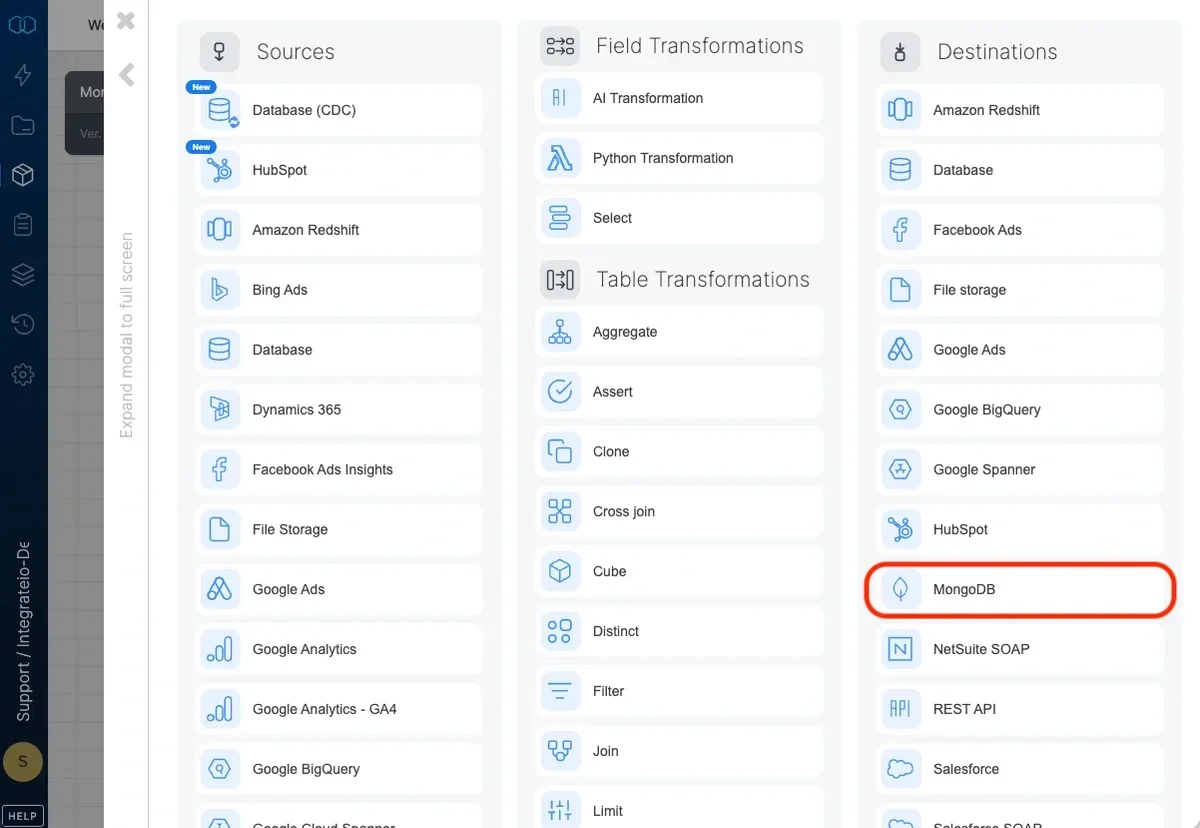
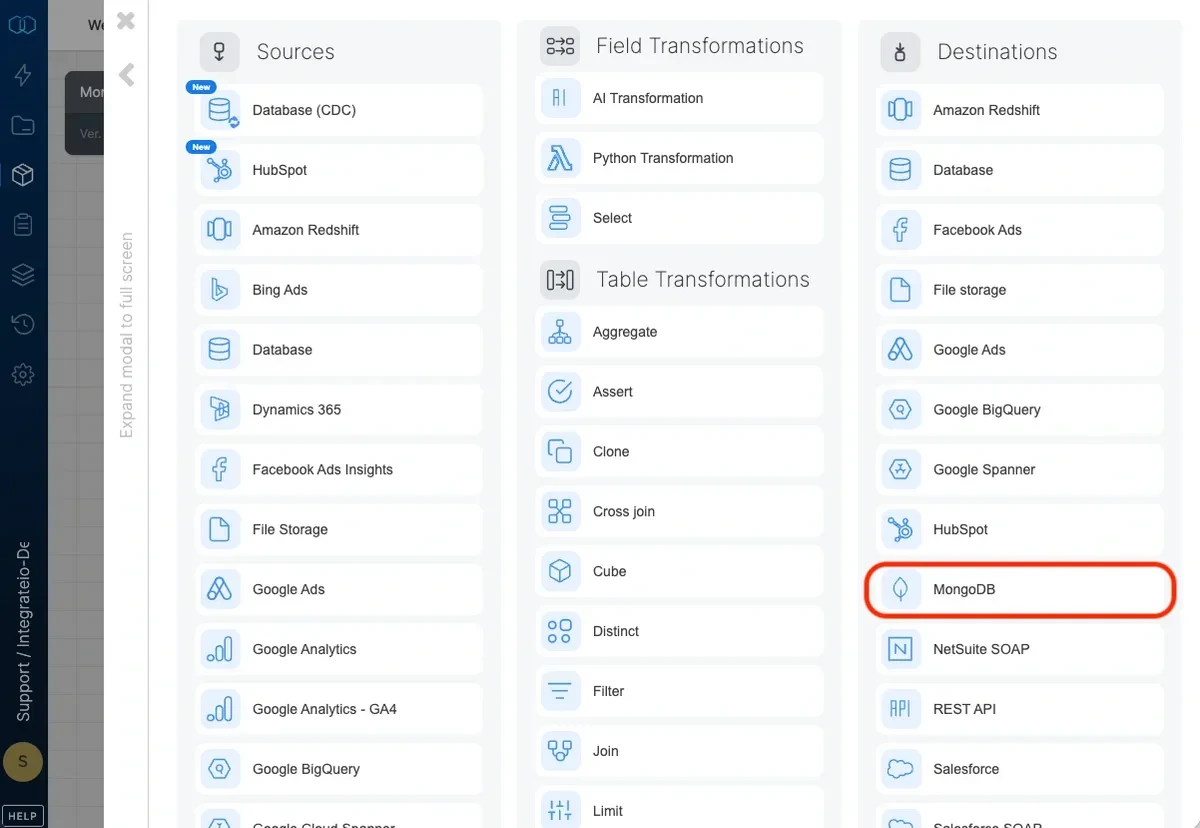
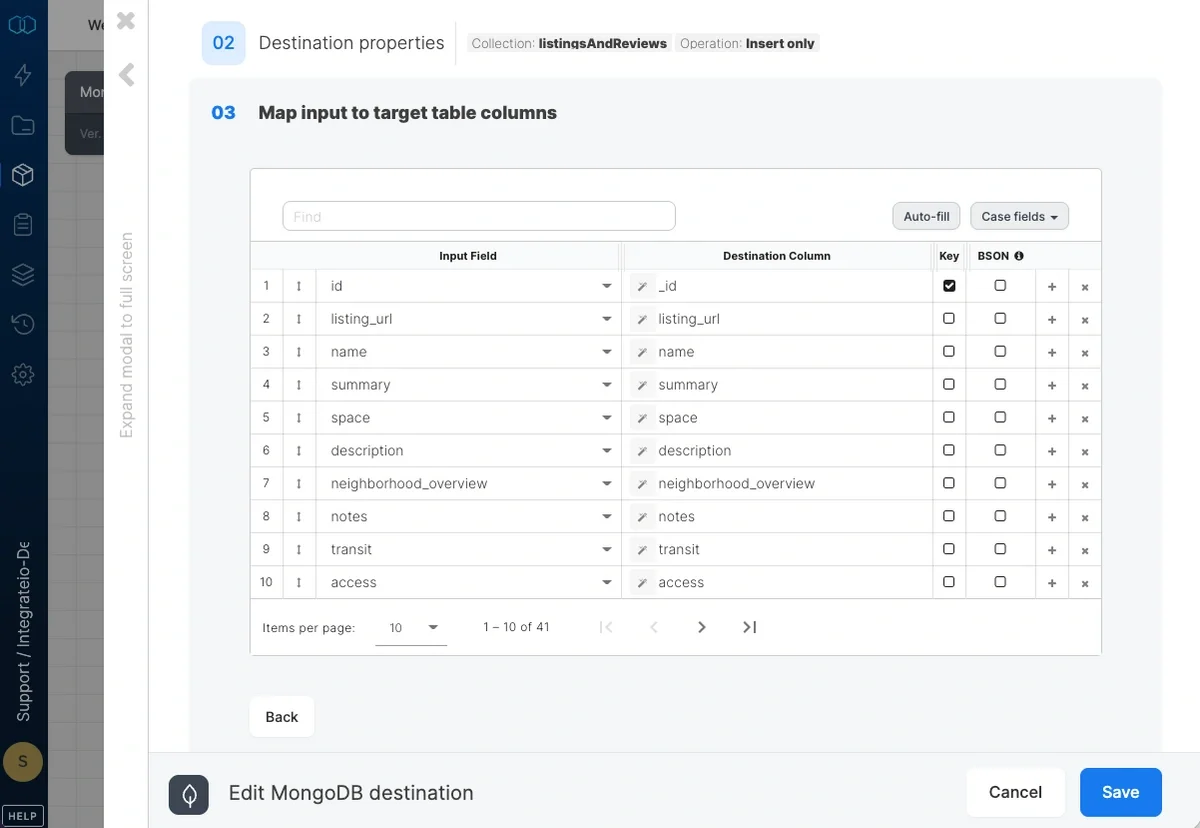
Target collection - The name of the target table in your database. If the table doesn’t exist, it will be created automatically.
Operation type - The method of data insertion.
Insert only (Append) - Default behavior. Data will only be appended to the target table.
Merge with existing data using update and insert - Incoming data is merged with existing data in the table by updating existing data and inserting new data. Requires setting the merge keys correctly in field mapping. In case of multiple document match in destination, it will only update a single document.
Map the dataflow fields to the target table’s columns.
If merge operation is used, check the Key checkbox on one or more fields to specify the merge key.
Check the BSON checkbox on fields that are Bag / Map data types. This is so that Integrate.io ETL can ingest them as MongoDB array or object accordingly.
The following table shows how data types in Integrate.io ETL map to MongoDB data types:
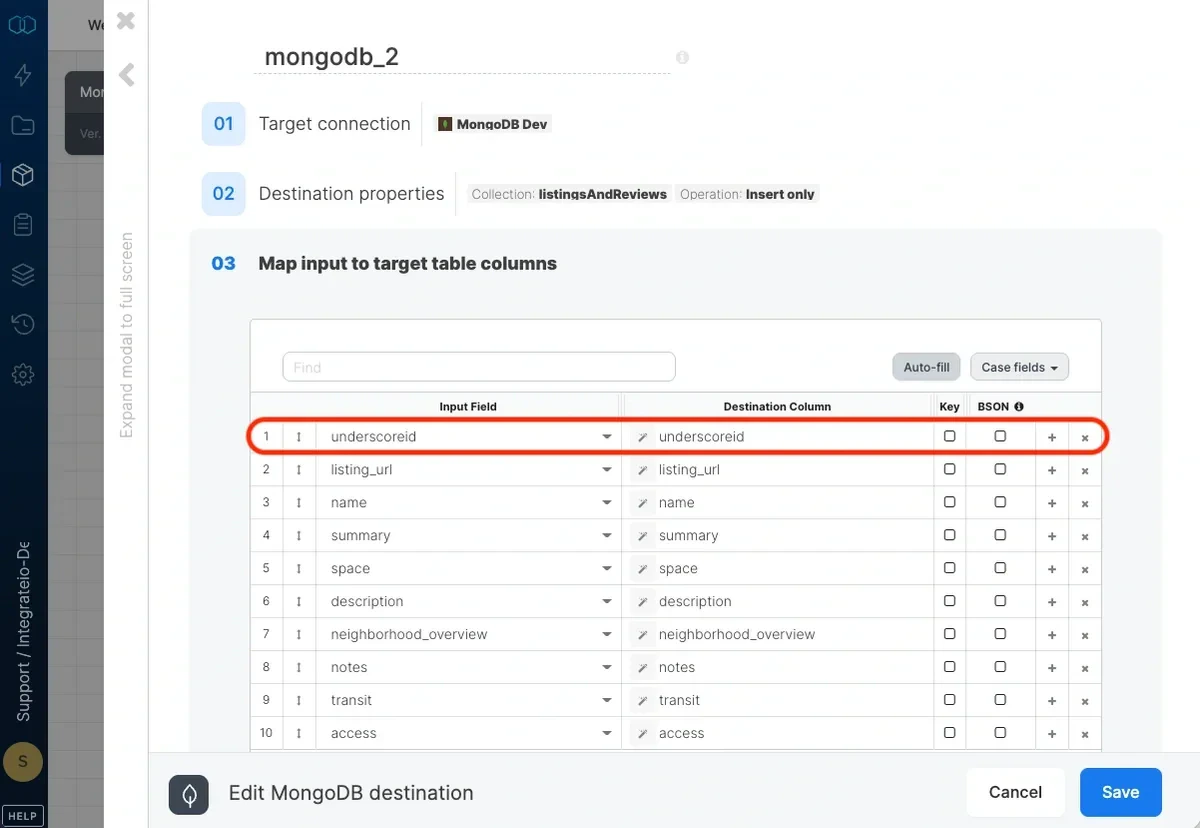
The _id field is a unique column that MongoDB uses across all of its rows. It is the primary key on all elements in a collection and it’s automatically indexed.To specify custom _id values on your dataset, you can use the alias “underscoreid” on the column that you would like to use as _id. Integrate.io ETL would automatically detect this as _id.
MongoDB would automatically generate _id as an ObjectID, one of MongoDB’s BSON types on each row, if above is not specified.